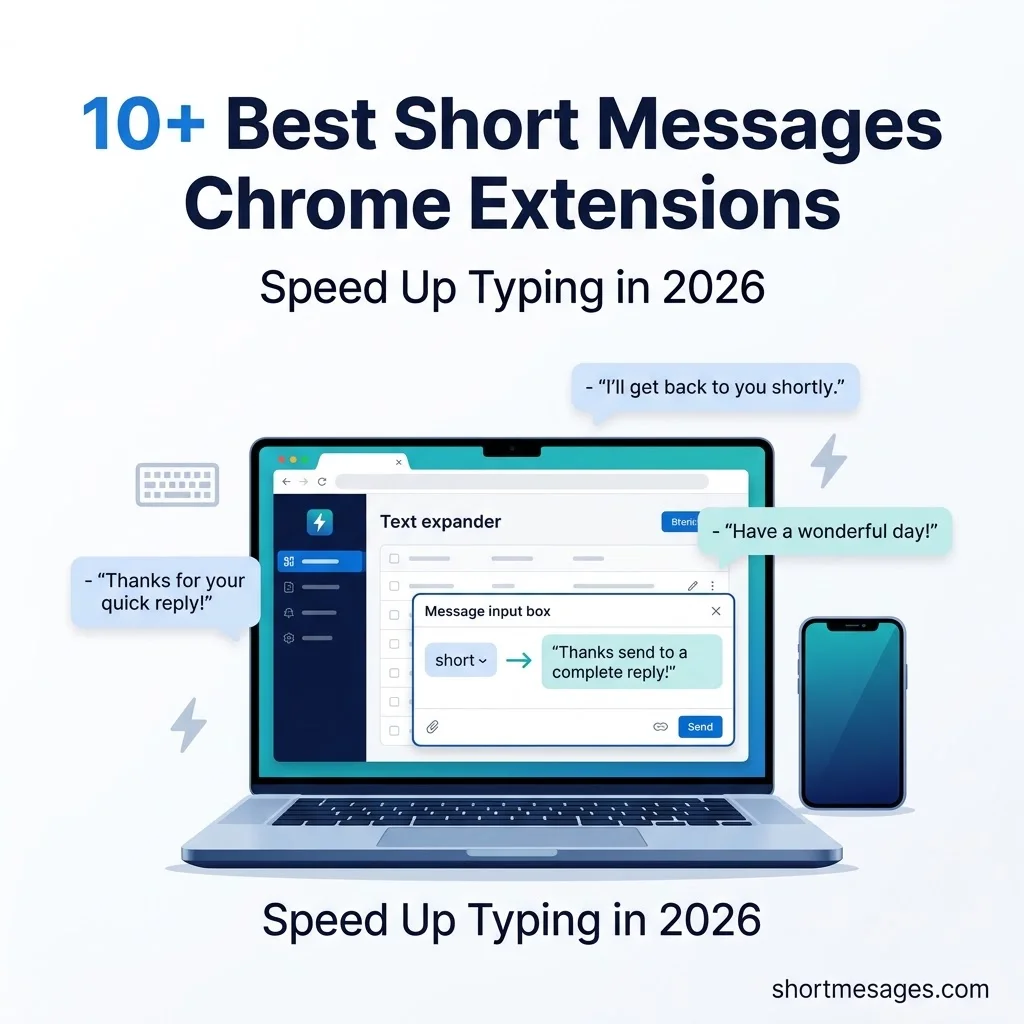
You type the same replies all day. Thanks, follow-ups, “got it,” and “I’ll check and get back to you.” A short messages Chrome extension types them for you in one or two keystrokes.Messages Chrome Extensions.
This guide shows how these text expander tools work and what they cost. It also covers how safe they are and which 10 are worth installing in 2026.
Table of Contents
What Is a Short Messages Chrome Extension?
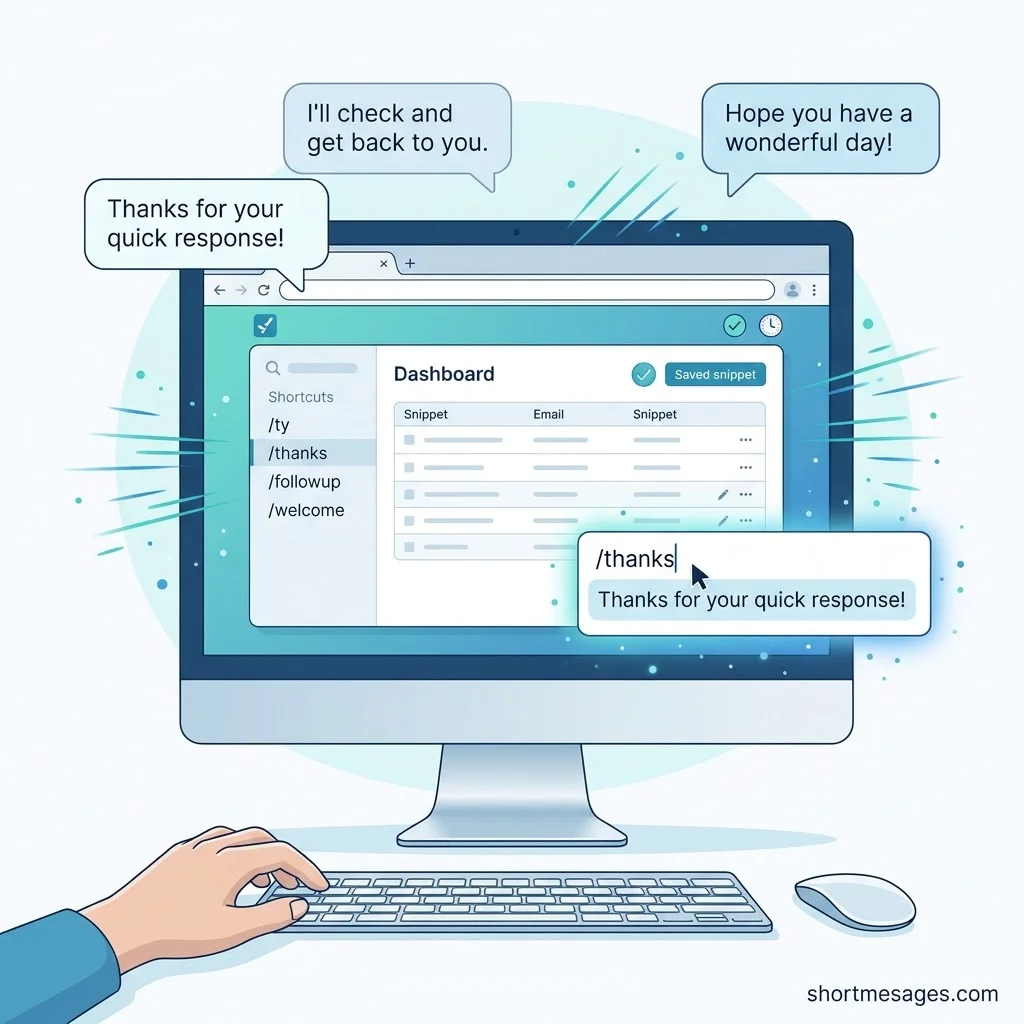
A short messages Chrome extension is a small browser add-on that stores your reusable replies. You insert them with a shortcut, a popup, or a search box. People also call these tools text expanders, snippet managers, or canned message extensions.
Even with the best typing tools and Chrome extensions, sometimes a quick message needs a personal touch—especially when you want to apologize sincerely. If your words have hurt someone, these heartfelt sorry messages for hurting someone can help you express regret, acknowledge their feelings, and begin rebuilding trust.
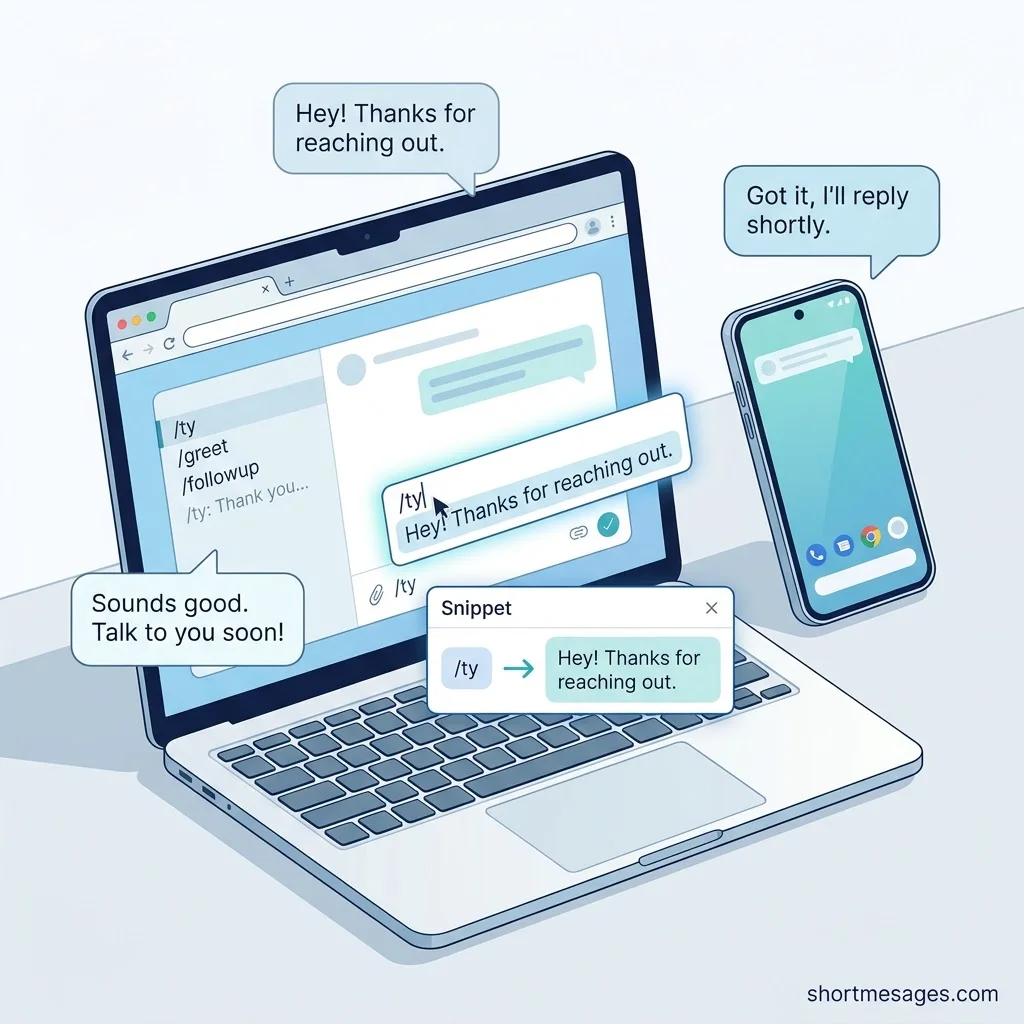
What does a short messages web extension actually do? You type a short code like “/ty.” The extension swaps it for a full message. It works in Gmail, web chat, support desks, forms, and other text fields in your browser.
Most tools store snippets on your device or in a cloud account. Some, like Short Thank You Messages, run fully offline with no account.
How a Short Messages Chrome Extension Speeds Up Daily Typing
These tools save time because they remove repetitive typing. Email alone takes a big share of the workday. The McKinsey Global Institute estimated that the average knowledge worker spends 28 percent of the workweek on email.
Here is a simple example. Say you send 30 repeat replies a day and each takes 20 seconds to type. That is 10 minutes a day. Over a year, it adds up to about 40 hours. This is a rough estimate, not a study result.
How does a short message extension help with accuracy? It also cuts typos and keeps your wording consistent. That matters in customer support, sales follow-ups, real estate, and healthcare messaging.
Here are a few short messages you can save as snippets today.
Thanks so much for your help today. I really appreciate it.
Thanks for reaching out. I will get back to you by the end of the day.
Just checking in to see if you had a chance to review my last message.
Thank you for your order. We will email you as soon as it ships.
Want to reply from your computer to texts on your phone?
Google Messages for web lets you send SMS, MMS, and RCS messages from a browser tab. You pair it with the Messages app on your Android phone. Any snippet tool on this list can fill in that text box.
10 Best Short Messages Chrome Extensions for Faster Typing in 2026

Each pick below suits a different need. Prices and limits change, so check each tool’s page before you commit.
Text Blaze is a strong free option for solo users. It reports 700,000+ users and a 4.9 rating on the Chrome Web Store. The free plan allows 20 snippets. The Pro plan starts at $2.99 a month when billed yearly.
TextExpander suits teams that need shared snippet libraries. It works on Mac, Windows, Chrome, iPhone, and iPad. The Individual plan costs $3.33 a month billed yearly, with a 30-day free trial and no credit card.
Magical is a free text expander extension built for quick shortcuts. Type “//” in any text field to search your shortcuts. It works well for recruiters, sales reps, and support agents.
Briskine is built for email and message templates. It works in Gmail, Outlook.com, and LinkedIn. It is open source and free for individuals, up to 30 templates. Team sharing needs the Premium plan.
Free Auto Text Expander for Google Chrome keeps things plain. You add shortcuts on the options page. The Chrome Web Store listing shows 80,000 users and a 3.3 rating from 416 ratings. It was last updated on July 1, 2026.
Web Text Expander offers free unlimited shortcuts and Gmail snippet support. It suits people who hit snippet limits on other free plans.
FlyMSG is a newer Chrome extension that focuses on simplicity and quick access to snippets. It is a good fit if you want a light tool with little setup.
Power Text is a free extension that supports HTML in snippets. That lets you add links and formatted text. It is also open source under the MIT license, according to AlternativeTo.
Textline Chrome Extension is made for business texting. It lets you send and answer texts from any tab through a sidebar widget. You get shortcuts, scheduled messages, Whispers (private team notes), and MMS. It needs a Standard or Pro Textline plan and offers HIPAA-compliant messaging.
Short Thank You Messages is a tiny Chrome extension for polite replies. You pick a tone, add a short context, and copy one of several suggestions. Its listing says it works offline, needs no permissions, and collects no personal data. It is brand new (version 1.0.0, updated January 30, 2026) and has no ratings yet.
Here is the kind of reply it helps you write.
Thank you for your quick reply. It helped a lot.
How to Choose the Best Short Messages Chrome Extension
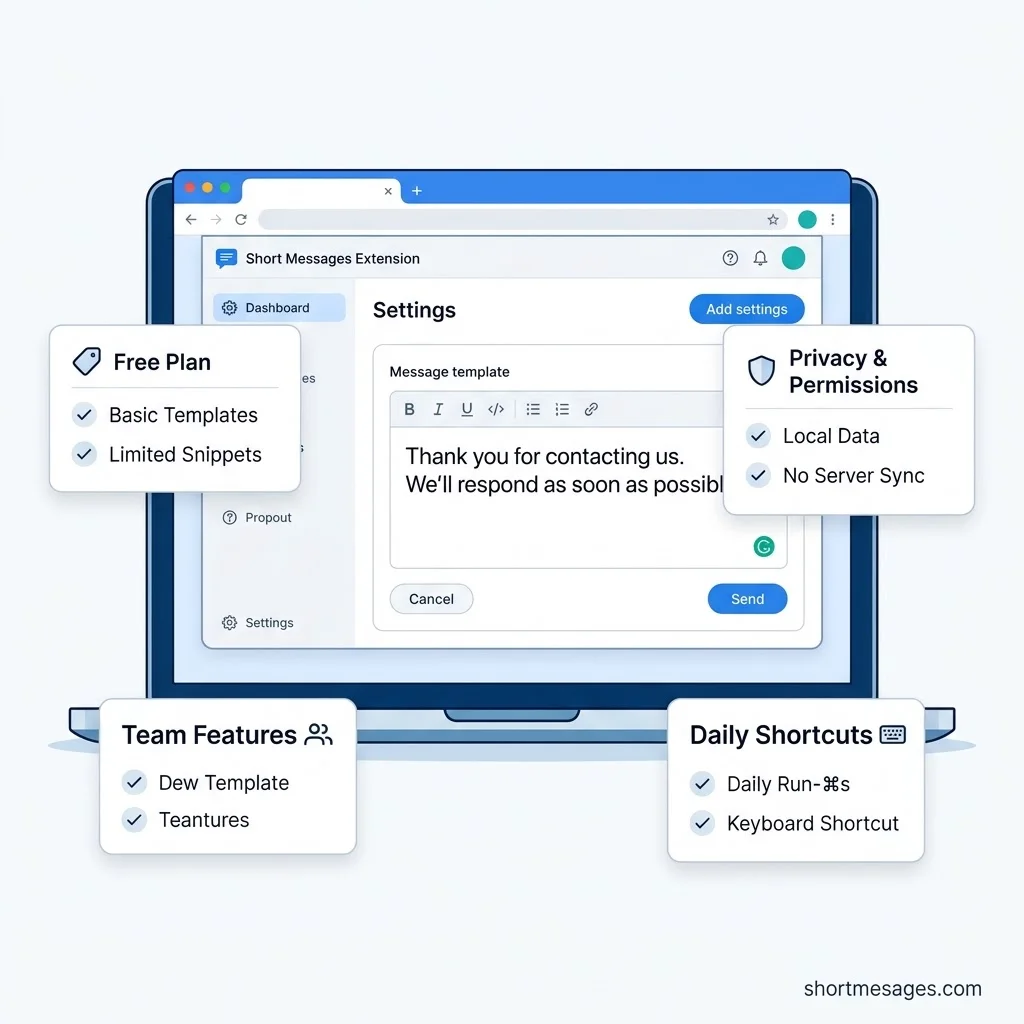
Match the tool to your daily work. A short checklist makes the choice easy.
Is the extension free? Check the snippet limit first. Free plans often cap snippets at 20 or 30. Count how many replies you really repeat.
Does it need broad permissions? A snippet tool must read the page you type in, so some access is normal. Still, pick the narrowest set that gets the job done.
Do you work alone or in a team? Teams should look for shared libraries and admin controls. Solo users can stay on a free plan.
Where do you type most? Gmail users may like Briskine. Business texters may prefer Textline. Anyone who wants a no-permission tool can try Short Thank You Messages.
FAQs
What is a short messages Chrome extension?
It is a browser add-on that saves your common replies and inserts them with a shortcut or a popup. Think of it as a text expander or canned message extension for Chrome.
How does a short messages web extension save time during daily typing?
It replaces repeat typing with one short code or one click. That cuts the time spent on each reply. It also reduces typos and keeps your tone steady across emails, chats, and forms.
Are short message Chrome extensions free to install and use?
Many are. Text Blaze has a free plan with 20 snippets. Briskine is free for individuals, up to 30 templates. Magical, Web Text Expander, and Power Text are free to start. TextExpander offers a free trial, then moves to a paid plan.
Is it safe to use text expanders and canned message extensions in Google Chrome?
Mostly, if you choose with care. Chrome Web Store rules ask developers to request only the narrowest permissions needed. Chrome’s Manifest V3 also bans remotely hosted code, which helps block some attacks.
Conclusion
A short messages Chrome extension gives you time back with very little setup. Pick one tool, save five replies you send most, and use them for a week. Then add more snippets as you go.

Founder & Content Writer, ShortMesages.com
William Sanwal is the founder and lead writer behind ShortMesages.com, a website dedicated to helping people find the right words for every moment in life.