Ever gotten a text from a strange 5-digit number and wondered what it was? That’s a short code text message, and it’s used by thousands of brands every day.
This guide breaks down what short code text messages are, how they work, and what to do when you get one — in plain, simple language.
Table of Contents
What Is a Short Code Text Message?
A short code text message comes from a special phone number that’s shorter than a regular 10-digit number.
Must visit: 100+ Best Short Thank You Messages for Colleagues When Leaving Work
A short code is a 5 or 6-digit number that businesses use to send and receive SMS texts. Carriers like Verizon, AT&T, and T-Mobile assign these numbers, and they’re built to handle a huge volume of texts at once.
Regular phone numbers, called long codes, can only send about one text per second. A short code can send thousands per second. That’s why big brands rely on them for alerts, promotions, and reminders.
There’s also a third option called a toll-free number (TFN). A TFN looks like a normal 1-800 number but is approved for texting. It’s slower than a short code but doesn’t face the same strict carrier rules.
How Do Short Code Text Messages Work?
Short codes rely on a simple system built around keywords, carrier approval, and message speed.
Keywords make short codes work. A keyword is a word you text to the short code, like “JOIN” or “PIZZA.” The keyword tells the system which brand or campaign your message belongs to.
For example, if you see an ad that says “Text SAVE to 12345,” typing SAVE and sending it to that number links you to that specific brand’s system. Without the right keyword, your message might not go anywhere useful.
The main reason companies pay for this setup is throughput. Throughput is how many messages a number can send per second. A short code’s high throughput is what makes flash sales, weather alerts, and mass notifications possible without delays.
Types of SMS Short Codes Explained
Not every short code works the same way. There are two main categories, and each one fits a different kind of business.
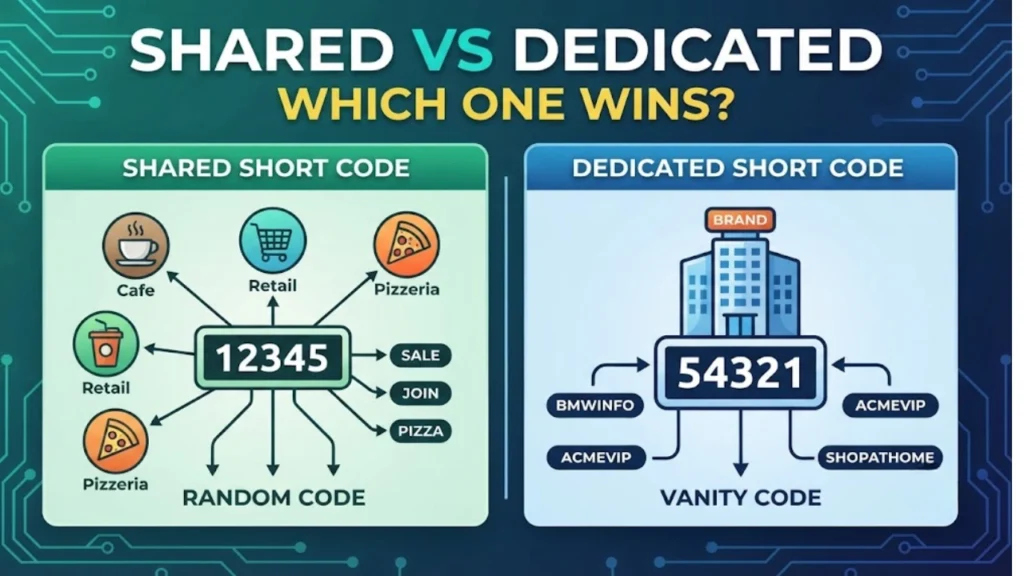
Shared short codes are used by many businesses at once. The same 5-digit number can serve dozens of brands, and keywords sort out who gets each message. Shared codes cost less and set up faster, which makes them popular with smaller businesses.
Dedicated short codes belong to one company only. No keyword sharing, no mixing traffic with other brands. Big retailers and national campaigns usually choose dedicated codes because they want full control.
Choosing between shared and dedicated usually comes down to budget and volume. High-volume senders who want brand recognition go dedicated. Smaller campaigns that just need to get started quickly go shared.
How to Send a Text Message to a Short Code
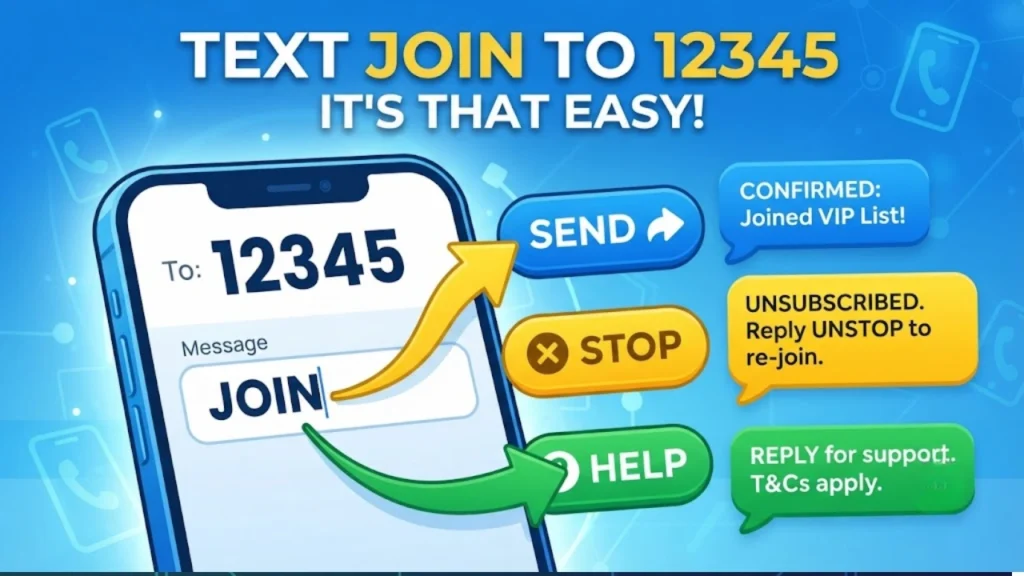
Sending a text to a short code works just like texting a friend, with one small twist — the keyword.
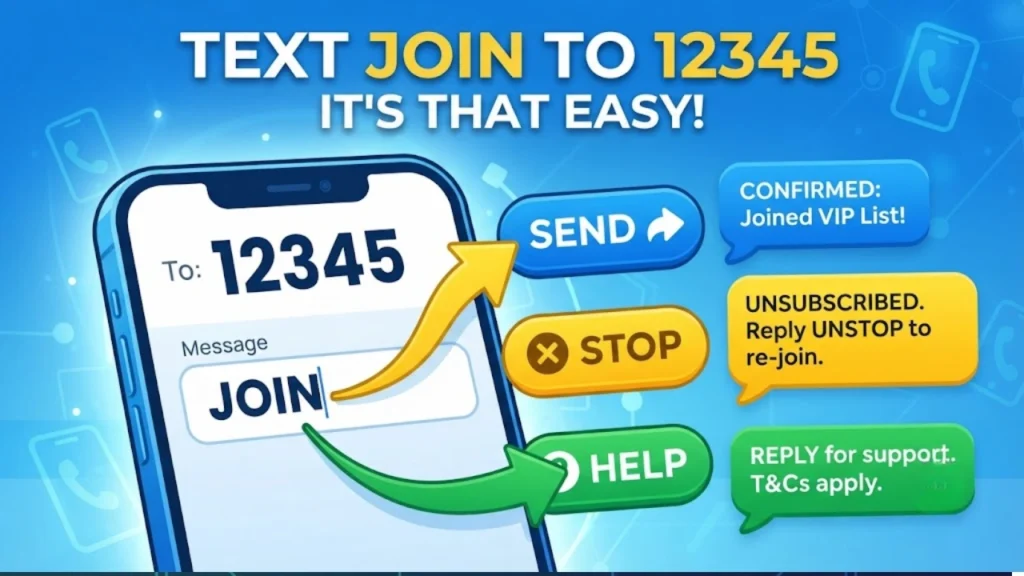
Open your messaging app and start a new text. Instead of a phone number, type the short code, like 12345. In the message box, type the exact keyword the ad or website gave you, then hit send.
JOIN
That’s a basic example. Some brands use longer keywords or ask you to add extra info, like your zip code, after the keyword.
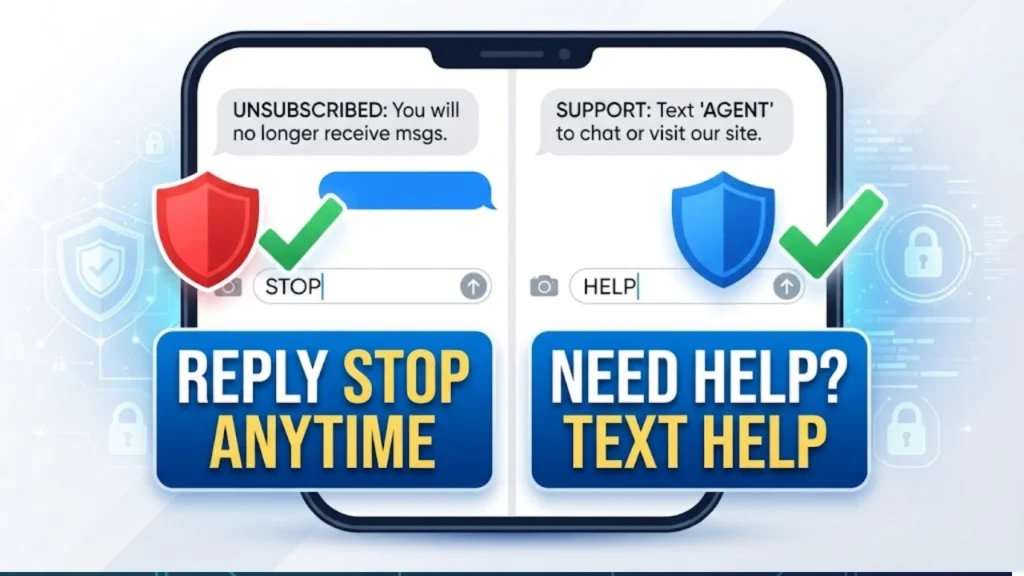
After you send it, most short codes reply within seconds. You’ll usually get a confirmation message, sometimes with terms and conditions or a welcome offer attached.
STOP
You can also text HELP to any short code to get support info, like a phone number or email for that brand.
HELP
Common Short Code Text Message Examples
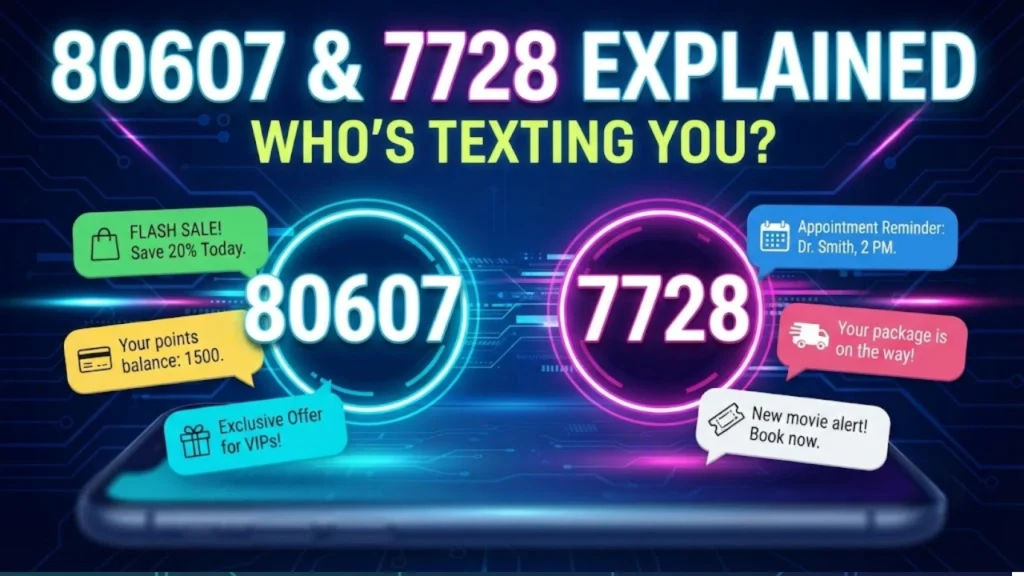
Two of the most searched short codes are 80607 and 7728. Here’s what they actually mean.
What is 80607 text message?
80607 is a shared short code used by multiple businesses for marketing and notification texts. Since it’s shared, the brand behind any message from 80607 depends entirely on the keyword used to sign up. If you texted a store or signed up online recently, that’s likely who’s messaging you from this number.
What is 7728 text message?
7728 is another shared short code, commonly tied to retail promotions, loyalty programs, and appointment reminders. Just like 80607, the sender changes based on the keyword you opted in with. Checking your recent sign-ups or past purchases usually reveals the source.
If you’re unsure who owns a short code that texted you, the safest way to find out is to reply HELP. This pulls up the brand name, along with contact details, straight from the sender.
FAQs
What is a short code text message?
A short code text message is an SMS sent from a 5 or 6-digit number instead of a regular 10-digit phone number. Businesses use short codes for marketing, alerts, reminders, and two-way customer texting because they support high message volume.
What is 80607 text message?
80607 is a shared short code used by different businesses for promotions and account notifications. The exact sender depends on the keyword you texted or the sign-up form you used.
What is 7728 text message?
7728 is a shared short code often used for retail deals, loyalty rewards, and appointment reminders. As with other shared codes, multiple brands use this number, so the keyword determines who’s messaging you.
How to send SMS to short code?
Open your texting app, enter the short code number as the recipient, type the exact keyword from the ad or sign-up page, and send. You’ll typically get a reply within seconds confirming your message went through.
Conclusion
Short code text messages might look unfamiliar at first, but they’re simple once you know how keywords and carrier approval work. Whether you’re a business exploring short code texting or someone who just got a text from a 5-digit number, the basics stay the same: type the keyword, send, and reply STOP anytime you want out.

Founder & Content Writer, ShortMesages.com
William Sanwal is the founder and lead writer behind ShortMesages.com, a website dedicated to helping people find the right words for every moment in life.