
Typing the same replies all day gets old fast. The right shortcuts for messages cut that time in half.
This guide covers 100 texting shortcuts: Mac keys, phone gestures, text replacement, and text abbreviations. Pick a few and use them today.
Table of Contents
Keyboard Shortcuts for Messages on Mac
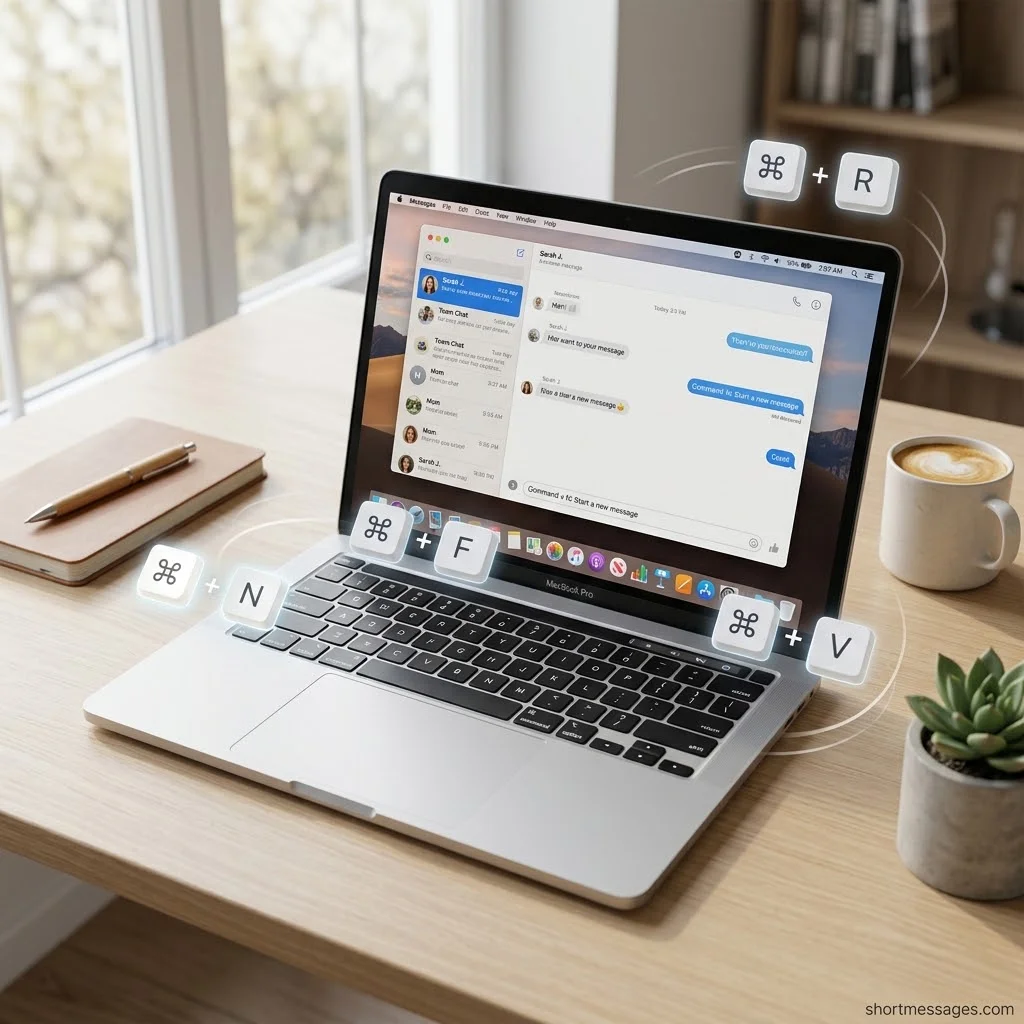
The Messages app on Mac has a full set of messages keyboard shortcuts. Apple lists them in its Messages keyboard shortcuts guide. Here are 35 of them.
Once you’ve mastered time-saving shortcuts for messages, you can make every text more meaningful by choosing words that encourage and inspire. For thoughtful ideas, explore these positive messages for the future to share hope, success, and new beginnings.
Start with the basics for opening, closing and starting a text:
Command + Comma: Open Messages settings
Command + H: Hide Messages
Option + Command + H: Hide everything except Messages
Command + Q: Quit Messages
Command + N: Start a new message
Command + 0: Open the Messages window
Command + W: Close the Messages window
Command + P: Print the conversation
Next, use these to filter and find conversations fast:
Control + Command + 1: Show all conversations
Control + Command + 2: Show conversations from known senders
Control + Command + 3: Show conversations from unknown senders
Control + Command + 4: Show conversations with unread messages
Control + Command + 5: Show recently deleted messages
Command + F: Search all conversations
Command + 1 to 9: Jump to a pinned conversation
Option + Command + 1: Go to the first unpinned conversation
Then use these for window and view control:
Control + Command + Space: Open the Emoji & Symbols window
Command + M: Minimize the window
Control + Command + F: Enter full-screen view
Command + Plus Sign: Make the text bigger
Command + Minus Sign: Make the text smaller
These help you write, edit and send:
Option + Return or Shift + Return: Add a line break
Return: Send the message
Command + E: Edit a sent message
Command + C: Copy the selected text
Command + V: Paste copied text
Shift + Command + Colon: Open the Spelling and Grammar window
Command + Semicolon: Check the message for spelling errors
Last, use these for replies and chat controls:
Command + R: Reply to the last or selected message
Command + T, then 1 to 6: Add a Tapback
Control + Tab: Go to the next conversation
Control + Shift + Tab: Go to the previous conversation
Option + Command + I: Open the conversation Info view
Option + Command + M: Hide or show alerts for a chat
Shift + Command + U: Mark a chat as read or unread
Text Shortcuts for iPhone, Android and Desktop
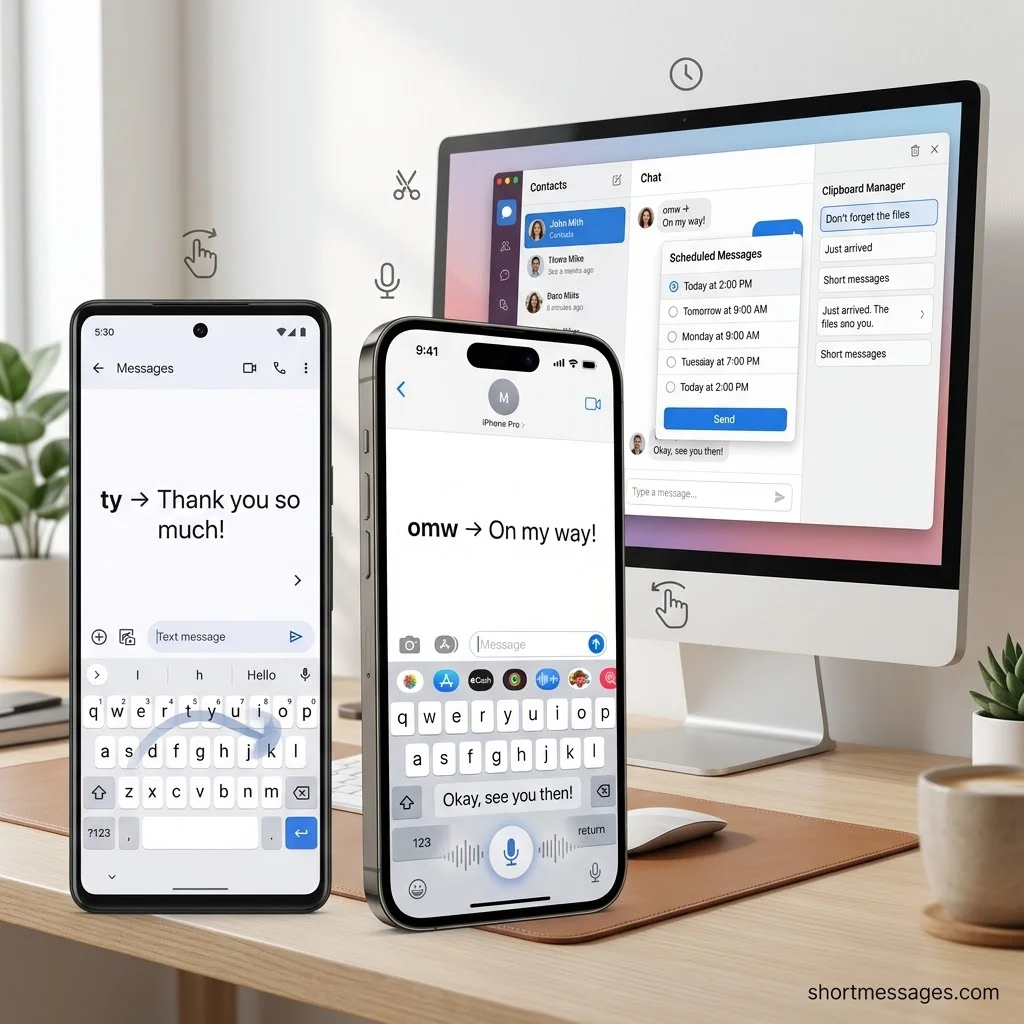
Phones have their own text message shortcuts, and most people never use them. Desktop keys and text expanders add even more speed. Here are 25 more.
These typing and gesture shortcuts work on most phones:
Double-tap the space bar: Add a period and a space
Double-tap Shift: Turn on Caps Lock
Swipe across the letters: Type a word without lifting your finger
Tap the microphone: Dictate your text by voice
Say “Hey Siri, send a text”: Write and send hands-free on iPhone
Touch and hold a message: Add a Tapback or reaction
Swipe right on a message: Reply to that exact message on iPhone
Touch and hold the send arrow: Add a send effect on iPhone
Swipe left on a conversation: Mute alerts or delete it on iPhone
Swipe right on a conversation: Pin it to the top on iPhone
Text replacement turns a short code into a full phrase. On iPhone, go to Settings, then General, then Keyboard, then Text Replacement. Android keyboards have a similar personal dictionary.
omw becomes On my way!
ty becomes Thank you so much!
@@ becomes your email address
addy becomes your home address
Smart tools also save time on repeat replies:
Smart Reply in Google Messages: Tap a suggested answer to reply in one touch
Touch and hold Send in Google Messages: Schedule a text for later
Send Later in Messages on iPhone: Schedule a text to go out at a set time
Gboard clipboard: Paste items you copied earlier on Android
Desktop users can lean on Ctrl-based shortcuts and canned messages:
Windows key + Period: Open the emoji panel on Windows
Ctrl + A: Select all text
Ctrl + C: Copy
Ctrl + V: Paste
Ctrl + Z: Undo your last typing
Ctrl + K: Insert a link in many apps
Type /thanks with a text expander: Fill in a saved reply in any text box
Text Abbreviations to Send Texts Faster
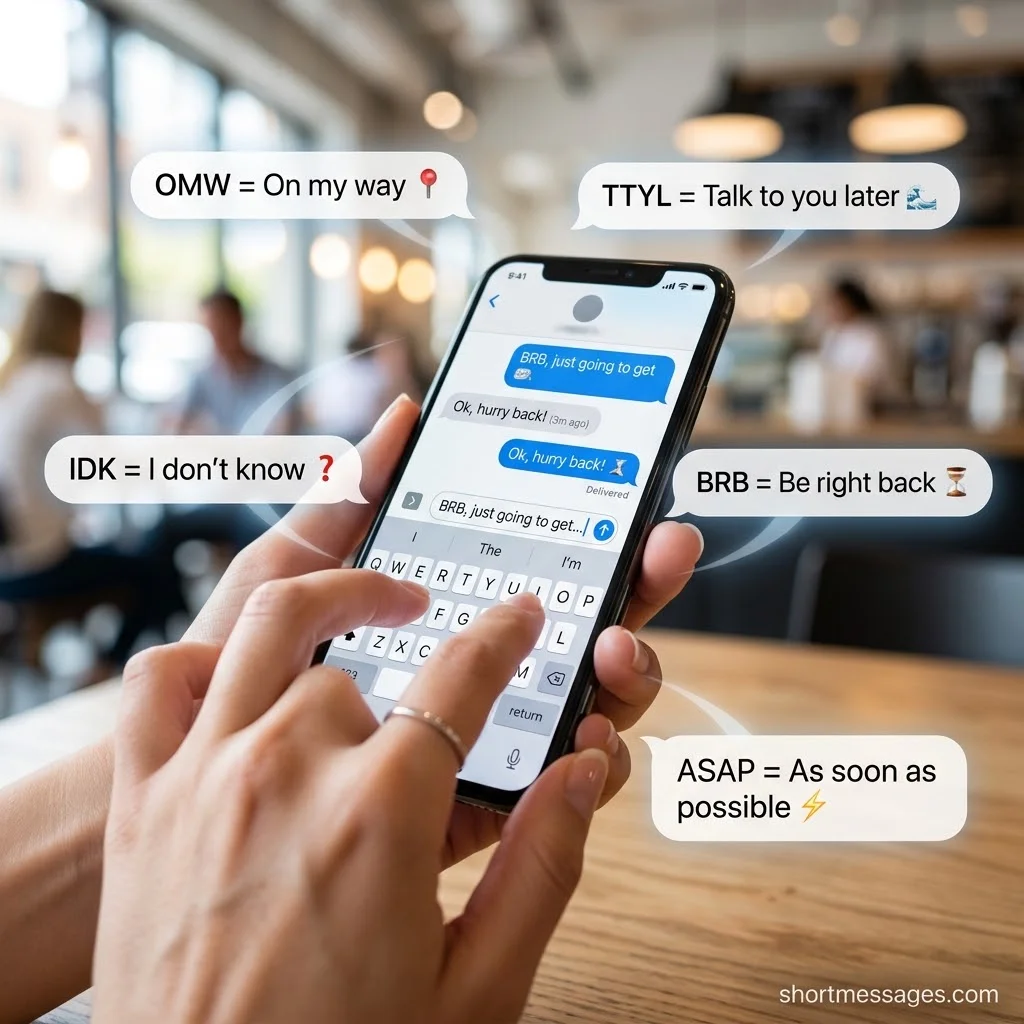
Text abbreviations shorten common phrases into a few letters. Standard SMS texts cap at 160 characters, so short words save space.
Start with the everyday abbreviations:
BRB: Be right back
OMW: On my way
IDK: I don’t know
TTYL: Talk to you later
BTW: By the way
FYI: For your information
ASAP: As soon as possible
NP: No problem
THX: Thanks
TY: Thank you
NVM: Never mind
JK: Just kidding
LOL: Laughing out loud
OMG: Oh my God
GTG: Got to go
PLS: Please
BC: Because
MSG: Message
Add these social media and chat abbreviations for friends:
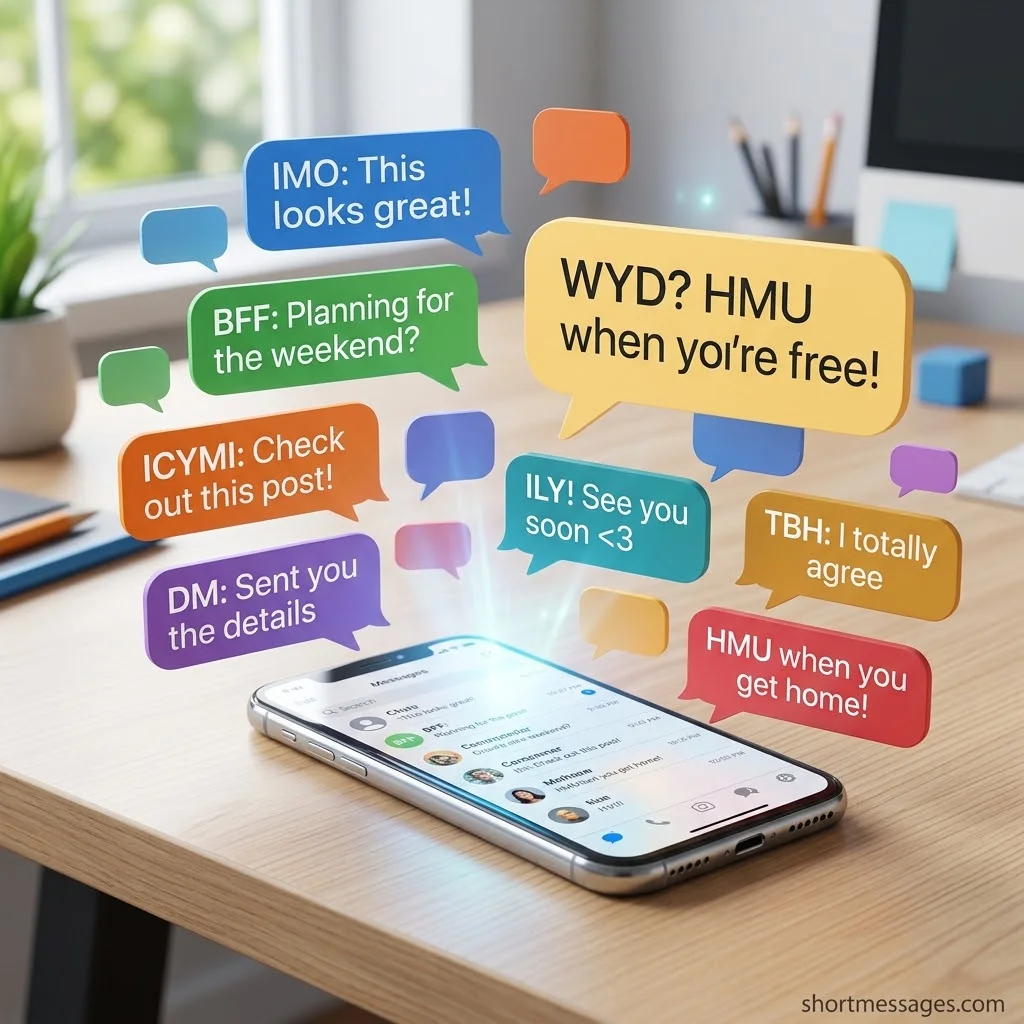
IMO: In my opinion
TBH: To be honest
ICYMI: In case you missed it
FWIW: For what it’s worth
IRL: In real life
DM: Direct message
SMH: Shaking my head
IDC: I don’t care
BFF: Best friends forever
TMI: Too much information
HMU: Hit me up
WYD: What are you doing
ILY: I love you
FOMO: Fear of missing out
Finally, use these business and call-to-action abbreviations at work:
TBD: To be determined
EOD: End of day
OOO: Out of office
RSVP: Please reply
ETA: Estimated time of arrival
TXT2: Text to, often used in call-to-action messages
CTA: Call to action
WFH: Working from home
A few tips help here. Match the abbreviation to your reader. Skip it if it has two meanings. For work texts, keep things clear first and short second.
FAQs
What is the shortcut for messages?
On a Mac, press Command + N to start a new message in the Messages app. On iPhone, set up Text Replacement so short codes like “omw” turn into full phrases. Text abbreviations like BRB and TTYL also shorten any message.
What are the 20 shortcut keys?
The 20 most-used shortcut keys on Windows are Ctrl + C (copy), X (cut), V (paste), Z (undo), Y (redo), A (select all), S (save), O (open), N (new), P (print), F (find), W (close), T (new tab), B (bold), I (italic), U (underline), K (insert link), D (bookmark), R (refresh), and Alt + Tab (switch windows). On Mac, swap Ctrl for Command.
What is Ctrl+K for?
Ctrl + K inserts a hyperlink in many apps, such as Word, Gmail and Google Docs. In some chat and search tools, it opens a quick search box instead. What it does depends on the app you are using.
What is Ctrl+Alt+Shift+L?
In JetBrains code editors, Ctrl + Alt + Shift + L opens the reformat file dialog. On a Windows PC with Microsoft 365, the longer version with the Windows key added is tied to the Office hotkey set. It is not a texting shortcut, so you can skip it for messages.
Conclusion
You now have 100 shortcuts for messages: 35 Mac keys, 25 phone and desktop tricks, and 40 text abbreviations. You do not need all of them.

Founder & Content Writer, ShortMesages.com
William Sanwal is the founder and lead writer behind ShortMesages.com, a website dedicated to helping people find the right words for every moment in life.