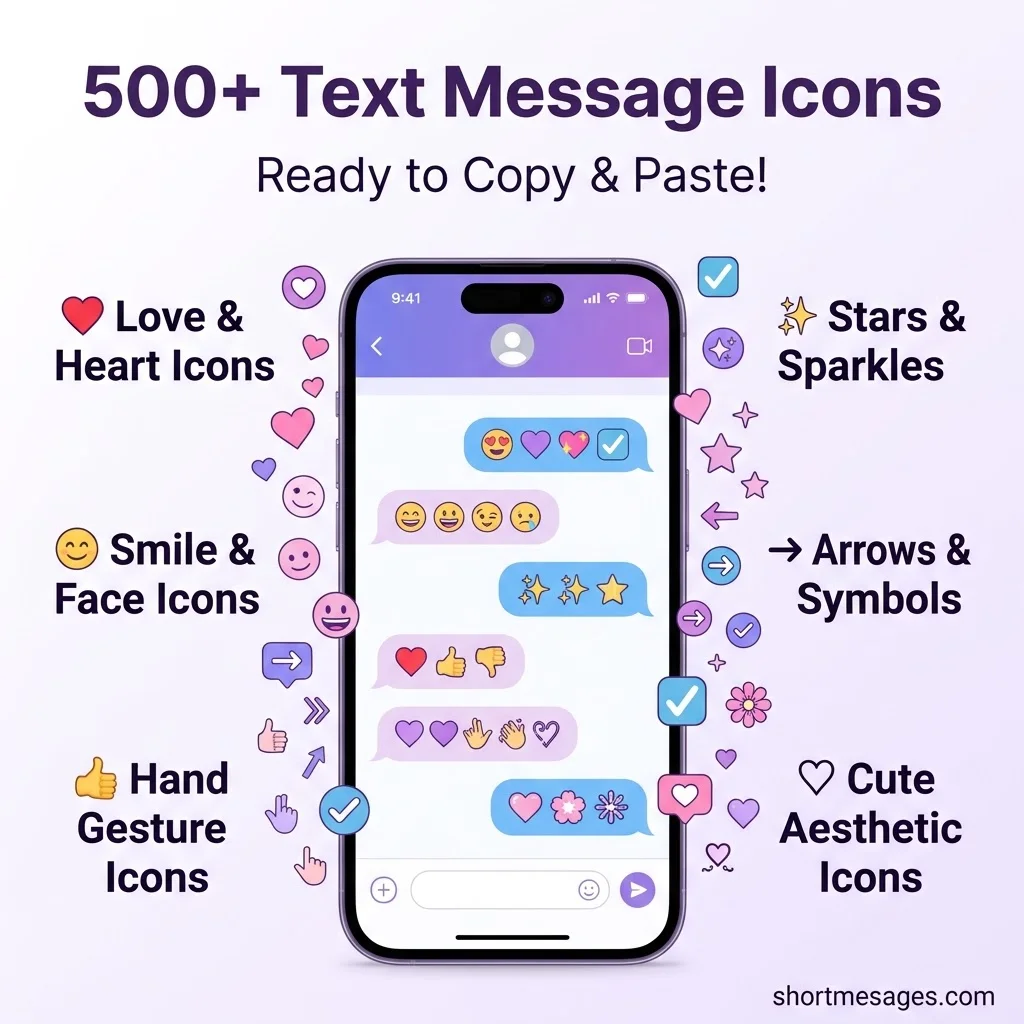
Short icons make a text faster to read and easier to feel. One tiny symbol can replace a whole sentence.
Below are 510 short icons for text messages. Tap, copy, and paste them into iPhone, Android, WhatsApp, or any chat app.
Table of Contents
Best Short Icons for Text Messages to Copy and Paste
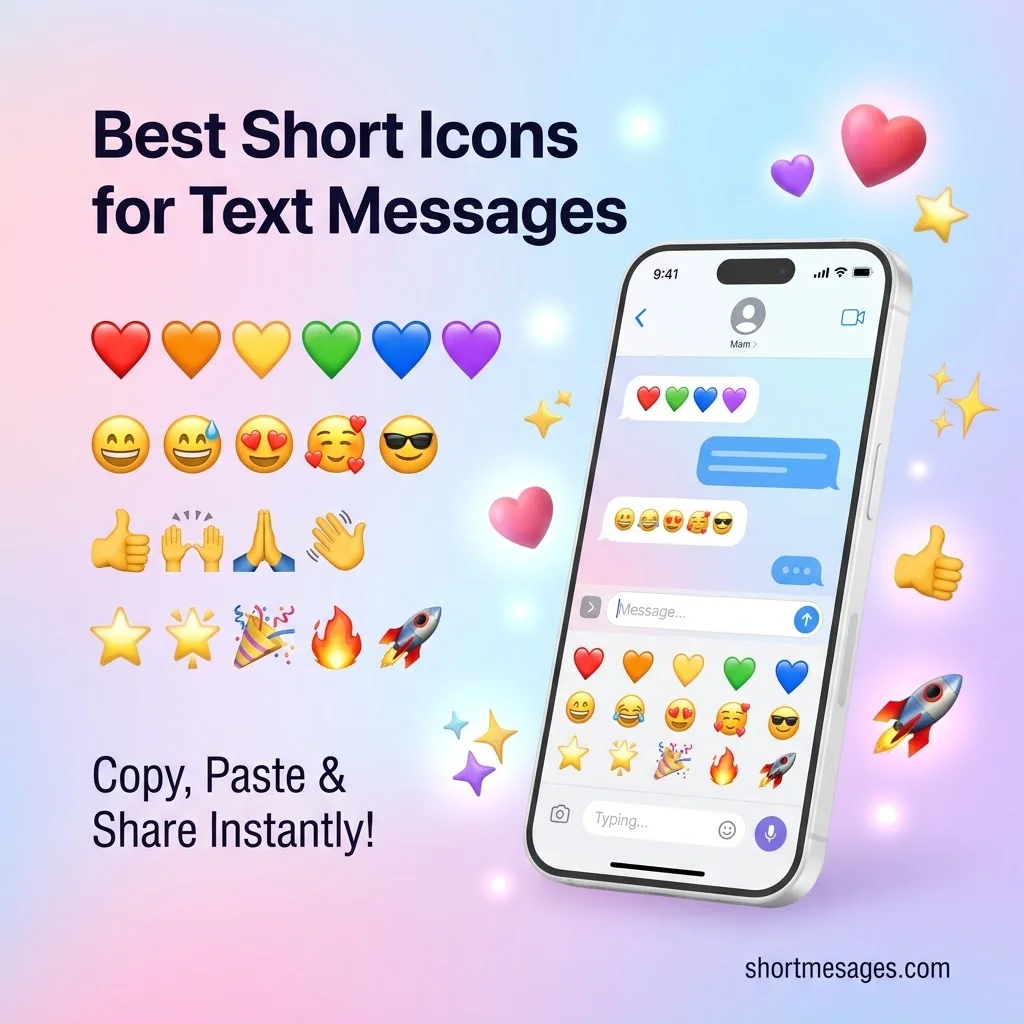
Emoji are the most popular text message icons. They are part of Unicode, so most phones can show them. Emojipedia reported that Emoji 17.0 would bring the total of Unicode-recommended emoji to 3,954.
While text symbols and icons add personality to your messages, Windows users can make everyday communication even easier with the right messaging tools. If you frequently send texts from your computer, explore these short app messages for Windows to discover useful messaging options, quick replies, and practical examples.
Hearts and love icons
❤️
🧡
💛
💚
💙
💜
🖤
🤍
🤎
💖
💗
💓
💞
💕
💘
💝
💟
❣️
♥️
💌
🩷
🩵
🩶
💔
❤️🔥
❤️🩹
🫶
😍
🥰
😘
Smile and face icons
😀
😃
😄
😁
😆
😅
😂
🤣
🙂
🙃
😉
😊
😇
😋
😛
😜
🤪
😎
🤩
🥳
😏
😌
😴
🤗
🤭
🤫
🤔
😐
😑
😶
😮
😲
😢
😭
😡
😱
🥹
🫠
😬
🙄
Hand and gesture icons
👍
👎
👌
✌️
🤞
🤟
🤘
🤙
👈
👉
👆
👇
☝️
✋
🖐️
🖖
👋
🤚
👏
🙌
🙏
🤝
💪
✍️
🫡
Stars, sparkles, and celebration icons
⭐
🌟
✨
💫
⚡
🔥
🎉
🎊
🎈
🎁
🎂
🍰
🥂
🍾
🏆
🥇
🥈
🥉
🎯
🎵
🎶
🎤
🎧
🎸
💯
✅
☑️
✔️
🆗
🆕
🆒
🆓
🔝
🔔
🚀
Nature and everyday icons
🌹
🌸
🌼
🌻
🌷
🍀
🌈
☀️
🌙
⛅
☁️
❄️
☃️
🌊
🌴
🌵
🍁
🍂
🐶
🐱
🐻
🦋
🐝
🐢
🦄
☕
🍕
🍔
🍟
🍩
🍪
🍫
🍎
🍓
🍉
🍷
🍺
🏠
🚗
✈️
📱
💬
📞
📩
💡
🔒
🔑
⏰
📍
📷
Text Symbols and Special Characters to Copy and Paste
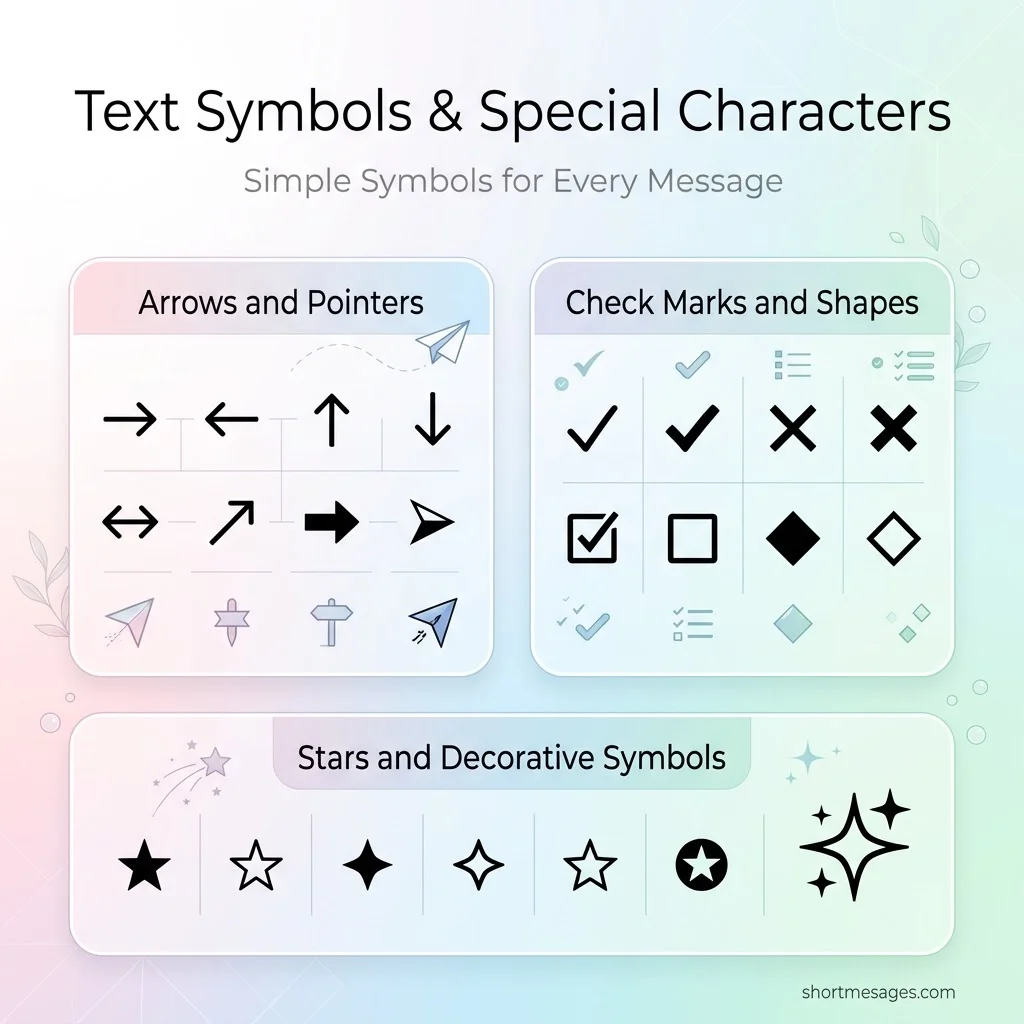
These text symbols are plain special characters, not emoji. They stay simple, they match your font, and many work in SMS where emoji sometimes fail.
Arrows and pointers
→
←
↑
↓
↔
↕
↖
↗
↘
↙
⇒
⇐
⇑
⇓
⇔
⇕
➔
➜
➝
➞
➟
➠
➡
⬅
⬆
⬇
↩
↪
↺
↻
⟵
⟶
⟷
⇄
⇅
⇆
➤
➢
➣
▶
Check marks and cross marks
✓
✔
✗
✘
✕
✖
✚
✛
✜
☑
☒
☐
❌
✅
❎
⊗
⊘
⨯
✙
✢
Bullets, boxes, and shapes
•
◦
‣
⁃
∙
●
○
◉
◎
◌
■
□
▪
▫
▬
▭
▮
▯
▰
▱
▲
△
▴
▵
▼
▽
▾
▿
◀
◁
◆
◇
◈
◊
◐
◑
◒
◓
◔
◕
♦
♢
◘
◙
◚
◛
◜
◝
◞
◟
Stars, music, phone, and weather symbols
★
☆
✦
✧
✩
✪
✫
✬
✭
✮
✯
✰
✱
✲
✳
✴
✵
✶
✷
✸
♪
♫
♬
♩
♭
♮
♯
☎
☏
✆
✉
✂
✎
✏
☀
☁
☂
☃
☾
☽
Math, currency, and punctuation symbols
+
−
×
÷
=
≠
≈
≤
≥
±
∞
√
∑
∆
π
°
‰
№
©
®
™
§
¶
†
‡
‖
¦
¿
¡
«
»
‹
›
“
”
‘
’
…
※
⁂
$
€
£
¥
¢
₹
₩
₽
₿
¤
Cute and Aesthetic Text Icons for Messages
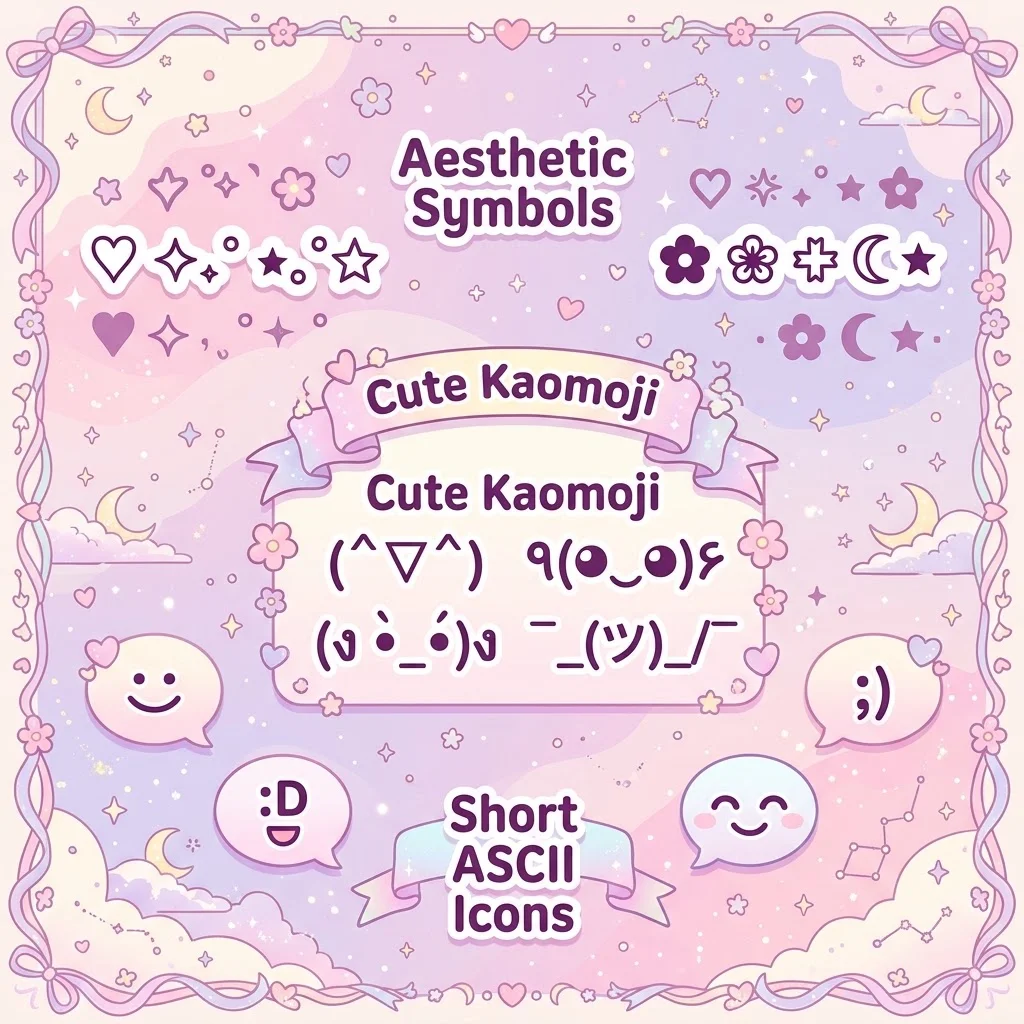
Want a softer look? These aesthetic text symbols, kaomoji, and ASCII icons add style without any image or app.
Kaomoji and text faces
¯_(ツ)/¯
(ง •̀•́)ง
copy☞[/copy] copy╯[/copy]
┬─┬ノ(ಠ_ಠノ)
copy[/copy] copy✧[/copy]
ヾ(^∇^)
copyノ[/copy]
٩(◕‿◕)۶
Line dividers and borders
───
━━━
═══
┈┈┈
┄┄┄
╌╌╌
•••
···
~~~
—
✦ ─── ✦
❖ ─── ❖
✿ ─── ✿
♡ ─── ♡
★ ─── ★
• • • • •
◦•●•◦
✧・゚: ✧・゚:
⋆⋅☆⋅⋆
・゚✧
⊹ ─── ⊹
┈┈┈ ♡ ┈┈┈
══ ✦ ══
❀ • ❀ • ❀
☆・:。・:。☆
✿❀✿❀✿
▬▬▬▬▬
░░░░░
▒▒▒▒▒
▓▓▓▓▓
Aesthetic symbol sets
♡
⋆˚✿˖°
✧˖°
˚₊‧꒰ა ♡ ໒꒱ ‧₊˚
☁︎
⊹₊ ⋆
⟡
ꕤ
ᯓ★
༄
✩°。⋆
♡⸜(˶˃ ᵕ ˂˶)⸝♡
₊˚⊹
⋆。°✩
𓂃
˗ˏˋ ♡ ˎˊ˗
⁺˳✧༚
꒰ ♡ ꒱
✦・゚
✿
❀
❁
❃
❉
❋
✾
☘
♪˚
☾⋆
⋆⁺₊
Short ASCII icons
<3
</3
🙂
🙂
😀
😛
😉
🙁
:'(
:O
XD
:
B)
:/
😐
>:(
^^
o_o
––
T_T
\o/
/o
<(^_^)>
(^o^)/
*
@@
How to Get Text Message Icons on iPhone, Android, and PC
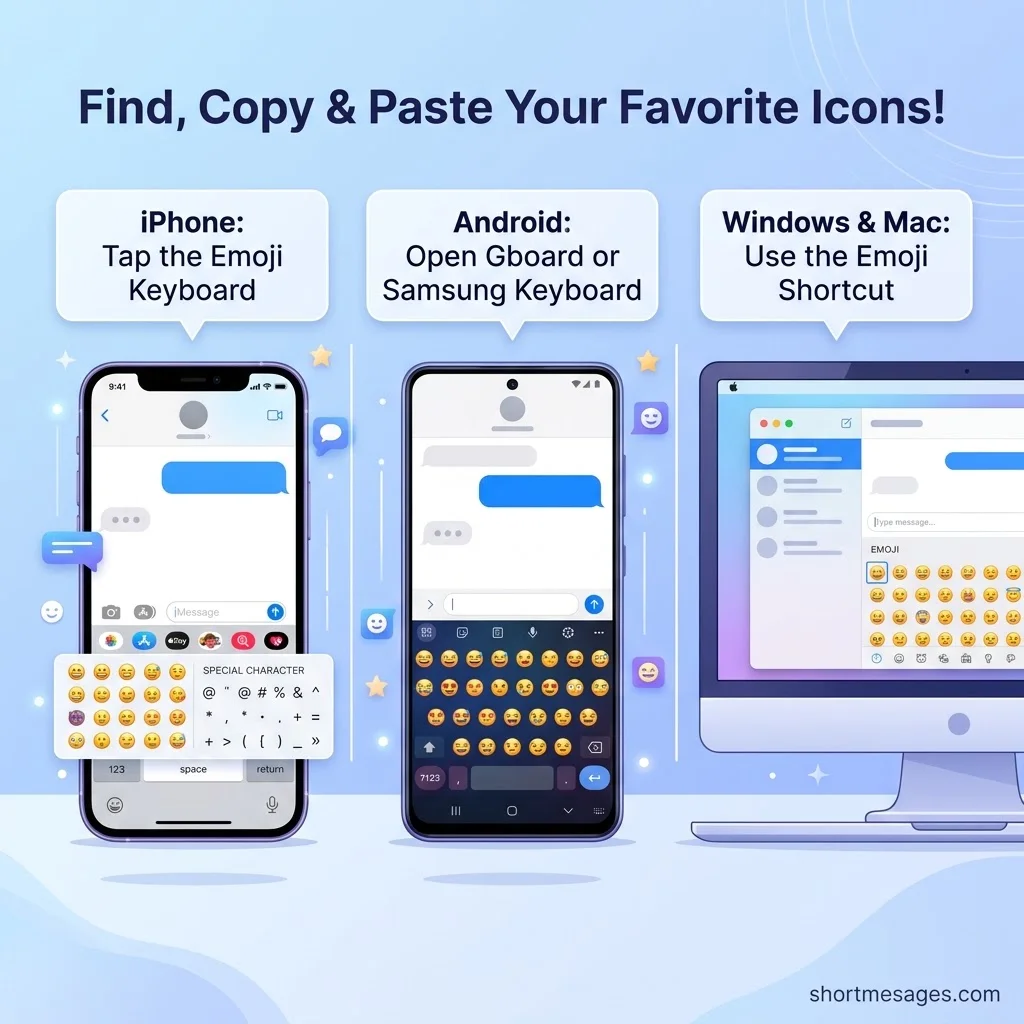
You do not need an app to get text message icons. Your keyboard already has most of them.
On iPhone, tap the emoji keyboard (smiley or globe key) next to the space bar. Pick an icon and it appears in your message.
On Android, tap the emoji key on Gboard or the Samsung keyboard. You can also long-press a key to see extra special characters.
On Windows, press the Windows key and the period key to open the emoji panel. On Mac, press Control, Command, and Space.
For any symbol in this list, tap the copy box, open your messaging app, and paste. If a symbol shows as a box, switch to a simpler icon. That is a font issue on the receiving phone.
FAQs
What are some good icons for text messages?
The most used text message icons are hearts (❤️), smiles (😊), thumbs up (👍), sparkles (✨), and check marks (✅). They are short, clear, and work on almost every phone. For a clean look, try plain symbols like ✓, →, and ★.
What does □ mean in texting?
The □ symbol usually means the phone cannot show a character. The sender used a symbol your device or font does not support. It is often called a “tofu” box. Updating your phone or using a common emoji usually fixes it.
How to get text message icon?
Open your emoji keyboard on iPhone or Android and tap an icon. You can also copy a symbol from a list like this one and paste it into your text. No download is needed.
What are the symbols used in text messages?
Texts use emoji (😊), Unicode symbols (★, →, ✓), and ASCII icons (:) and <3). Kaomoji like (^_^) are also popular. Most come from the Unicode standard, so they work across many apps and devices.
Conclusion
You now have 510 short icons for text messages in one place. Save your favorites, paste them in a click, and keep your texts clear and fun.

Founder & Content Writer, ShortMesages.com
William Sanwal is the founder and lead writer behind ShortMesages.com, a website dedicated to helping people find the right words for every moment in life.