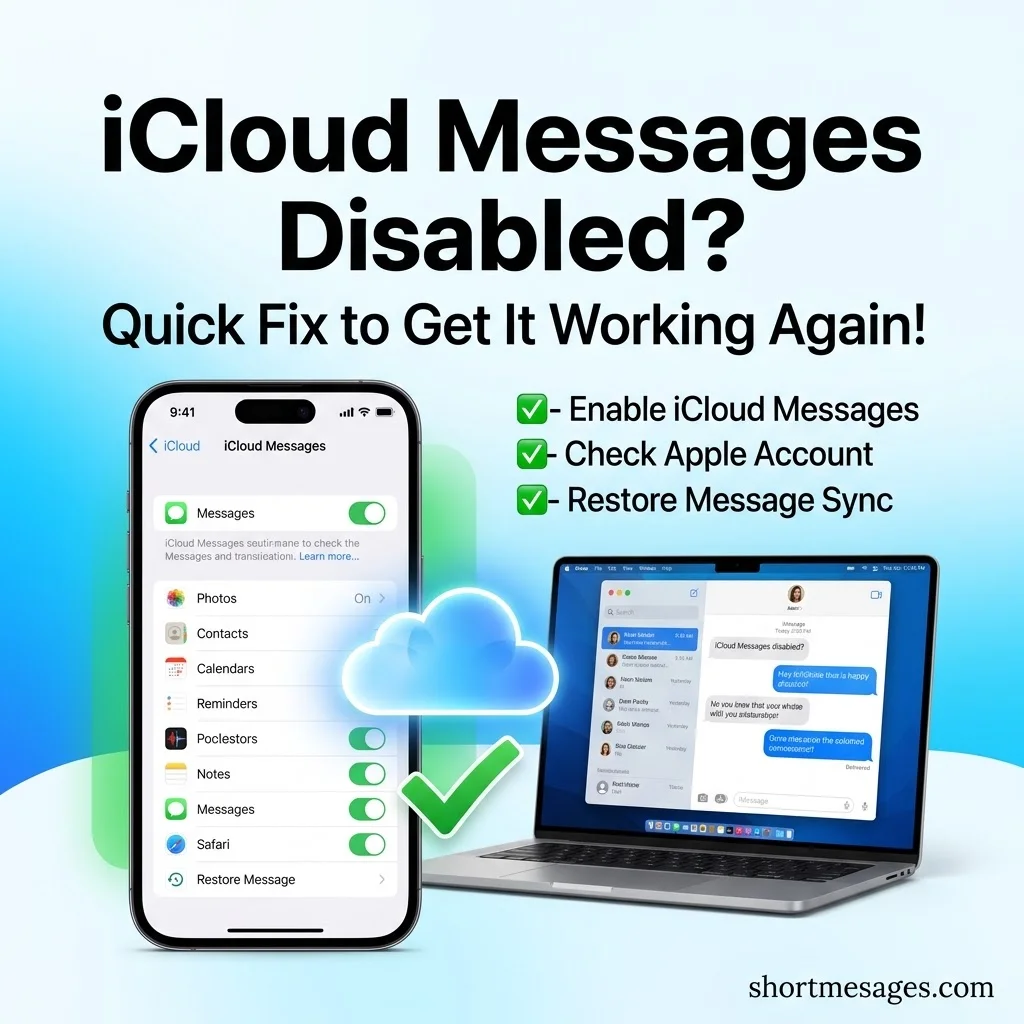
Is iCloud Messages disabled on your iPhone or Mac? Your texts may stop syncing, and the toggle may look greyed out or stuck.
The good news is that the fix is short. Below, you’ll learn what Messages in iCloud does, why it turns off, and how to turn it back on in minutes.
Table of Contents
What Does “iCloud for Messages” Mean on iPhone and Mac?

iCloud for Messages stores your chats in your iCloud account instead of only on one device. Every device on the same Apple Account then shows the same conversations.
When iCloud Messages is working again, keeping communication smooth across your devices becomes much easier. For businesses that rely on fast, professional customer communication, having a collection of ready-to-use quick replies for business conversations can save time and help maintain consistent, friendly responses.
What is a short overview of how iCloud Messages works?
Your iMessages, SMS and MMS texts, photos, and files are saved in iCloud. Sign in on a new iPhone, iPad, or Mac, and your history appears there too. Apple first added this with iOS 11.4.
How does iCloud sync text messages across Apple devices?
Each action is saved to iCloud first. That includes sending, receiving, and deleting. iCloud then pushes the change to your other devices. If you delete a chat on your Mac, it disappears from your iPhone as well.
What is the difference between standard iMessage and Messages in iCloud?
iMessage is the service that sends messages between Apple devices. Messages in iCloud is the cloud storage and sync layer for your chat history. You can use iMessage without turning on Messages in iCloud.
Does turning on iCloud for Messages save local storage space?
It can. Your messages and attachments live in iCloud, so your device may need less room for them. They still count against your iCloud storage, and the free plan includes only 5 GB. Check Apple’s iCloud storage guide for current plans.
Apple lists two requirements. You need two-factor authentication and iCloud Keychain turned on. You also need the same Apple Account on each device, as noted in Apple’s setup guide.
Why Is iCloud Messages Disabled or Greyed Out?
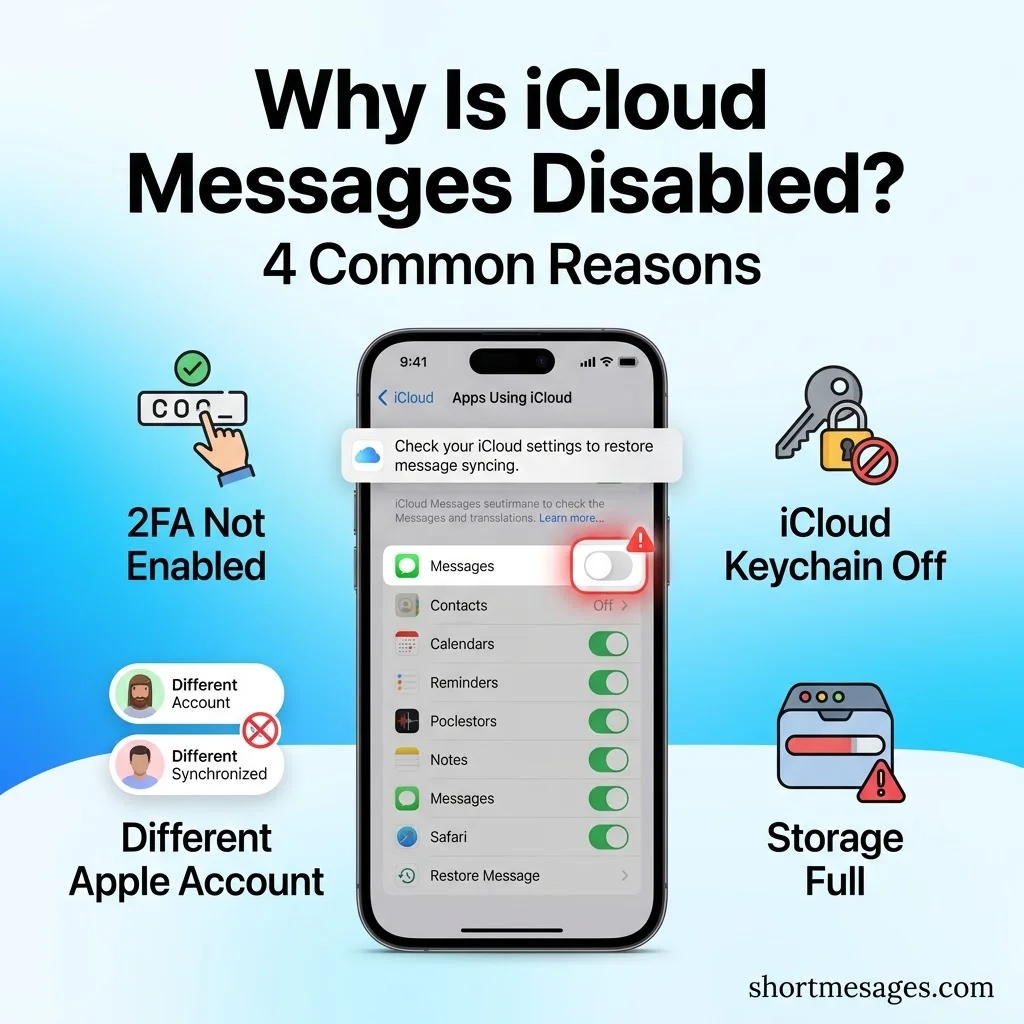
Most cases come down to a few simple causes. Match your symptom below to find yours fast.
Why is Messages in iCloud greyed out? The most common reason is a missing requirement. If two-factor authentication or iCloud Keychain is off, the option may not work.
Why are my messages not syncing between iPhone and Mac? One device may be signed in to a different Apple Account. Apple states that a device signed out of the account, or with the feature off, won’t stay up to date.
Why does iCloud Messages keep turning off? A software update can sometimes reset a setting. An old version of iOS, iPadOS, or macOS can also cause trouble.
Can full iCloud storage cause this? Yes, it can slow or block new data from syncing. When your plan is nearly full, new messages and photos may not upload.
Also, give it time. Apple says it may take a while for all messages to appear after you first turn the feature on. You can still send and receive during that time.
Short Fix for iCloud Messages Disabled: Turn It Back On
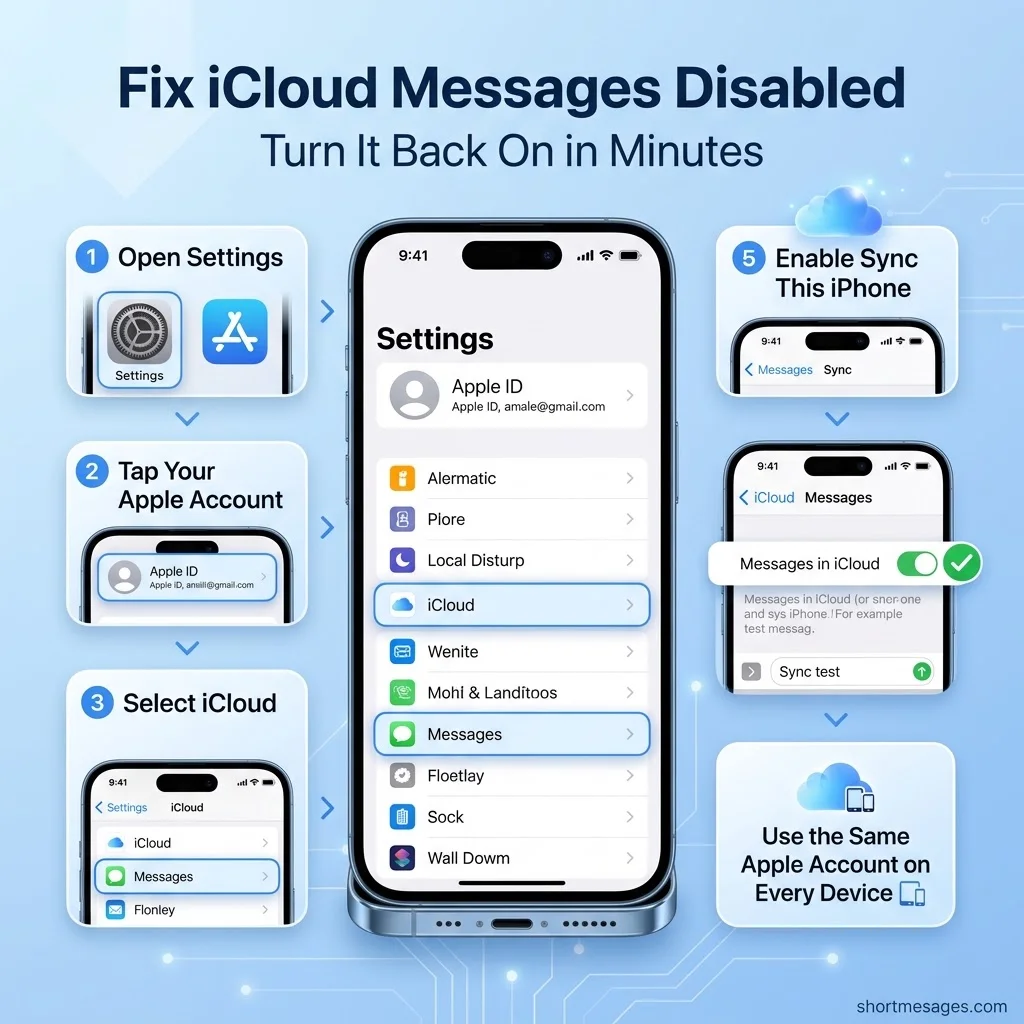
This is the quick fix for iCloud Messages disabled. Start by checking three basics: the same Apple Account on every device, a steady Wi-Fi link, and updated software.
How do I turn on Messages in iCloud on iPhone? Open this path on your iPhone or iPad:
Settings > your name > iCloud
How do I turn on Messages in iCloud on Mac?
Open the Messages app on your Mac, then go here:
Messages > Settings > iMessage
Select Enable Messages in iCloud. Then pick the phone numbers and email addresses you want to use on that Mac.
What else should I check? On your iPhone, confirm your iMessage account is signed in to the same Apple Account:
Settings > Messages > Send & Receive
To get SMS and MMS texts on your other devices, turn on Text Message Forwarding:
Settings > Messages > Text Message Forwarding
Apple explains this in its article on forwarding text messages.
What if the toggle is still greyed out? First, confirm two-factor authentication and iCloud Keychain are on. Next, sign out of your Apple Account and sign back in. Then restart the device. Last, check your iCloud storage.
How do I test that sync works? Send a short message from your iPhone and look for it on your Mac. Try this one:
Sync test
If it shows up on both, you’re done.
Messages in iCloud Still Not Working? Storage, Backup and Privacy Tips
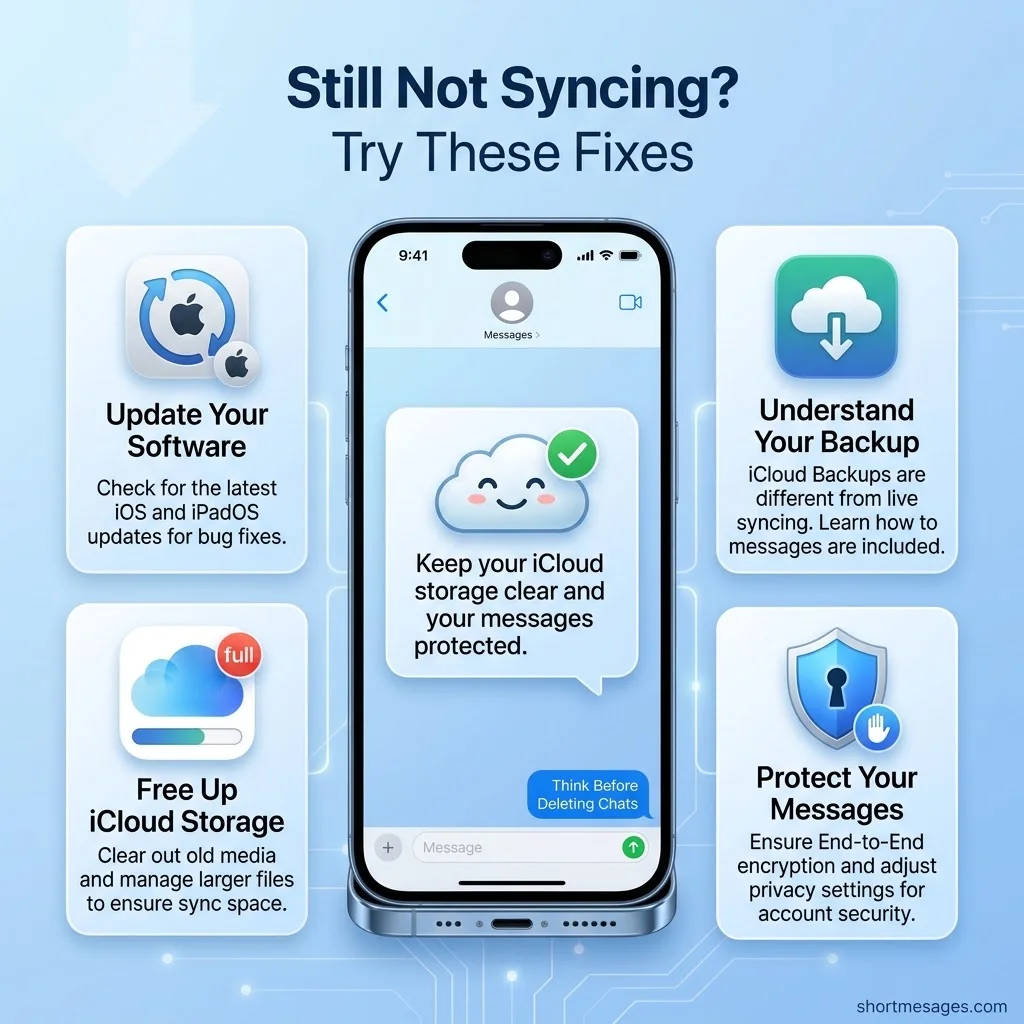
Still stuck? A few deeper checks usually solve the rest. This section also covers backup and privacy, which many guides skip.
Check your software first. Old software is a common cause of failed syncing. Apple’s system requirements for iCloud list what each device needs. You can also follow Apple’s steps to update your iPhone or iPad or update macOS.
Free up iCloud storage. Large photos and videos in chats take the most room. Delete old attachments you no longer need. You can also upgrade to iCloud+ for more space.
Know what happens to your backup. Once Messages in iCloud is on, your messages are not stored in your iCloud Backup. Apple says they are saved in iCloud directly. Read Apple’s explanation before you turn the feature off.
Understand the privacy side. Apple says your messages are encrypted on your device. It also says they can’t be accessed without your device passcode. See Apple’s statement. Keep your passcode strong and private.
Be careful with deletes. Deleting a message on one device removes it from all of them. Before you clear a long chat, make sure you no longer need it.
FAQs
What is a short overview of how iCloud Messages works?
Messages in iCloud saves your chats, photos, and files to your iCloud account. Any device signed in with the same Apple Account shows the same history. New messages, edits, and deletes update across all your devices.
How does iCloud sync text messages across Apple devices?
Your device sends each change to iCloud, and iCloud shares it with your other devices. This covers iMessages and SMS or MMS texts. For SMS and MMS on other devices, you also need Text Message Forwarding turned on.
What is the difference between standard iMessage and Messages in iCloud?
iMessage is the way messages travel between Apple devices. Messages in iCloud is how your chat history is stored and synced. One sends your texts. The other keeps them the same everywhere.
Does turning on iCloud for Messages save local storage space?
It often does, because your messages and attachments live in iCloud. But they use your iCloud storage instead, and the free plan has only 5 GB. If you run low, clean up large attachments or upgrade your plan.
Conclusion
If iCloud Messages is disabled, start with your Apple Account, two-factor authentication, iCloud Keychain, and storage. Then turn Messages in iCloud back on for each device. Give it a little time to sync, and your chats should match everywhere.

Founder & Content Writer, ShortMesages.com
William Sanwal is the founder and lead writer behind ShortMesages.com, a website dedicated to helping people find the right words for every moment in life.