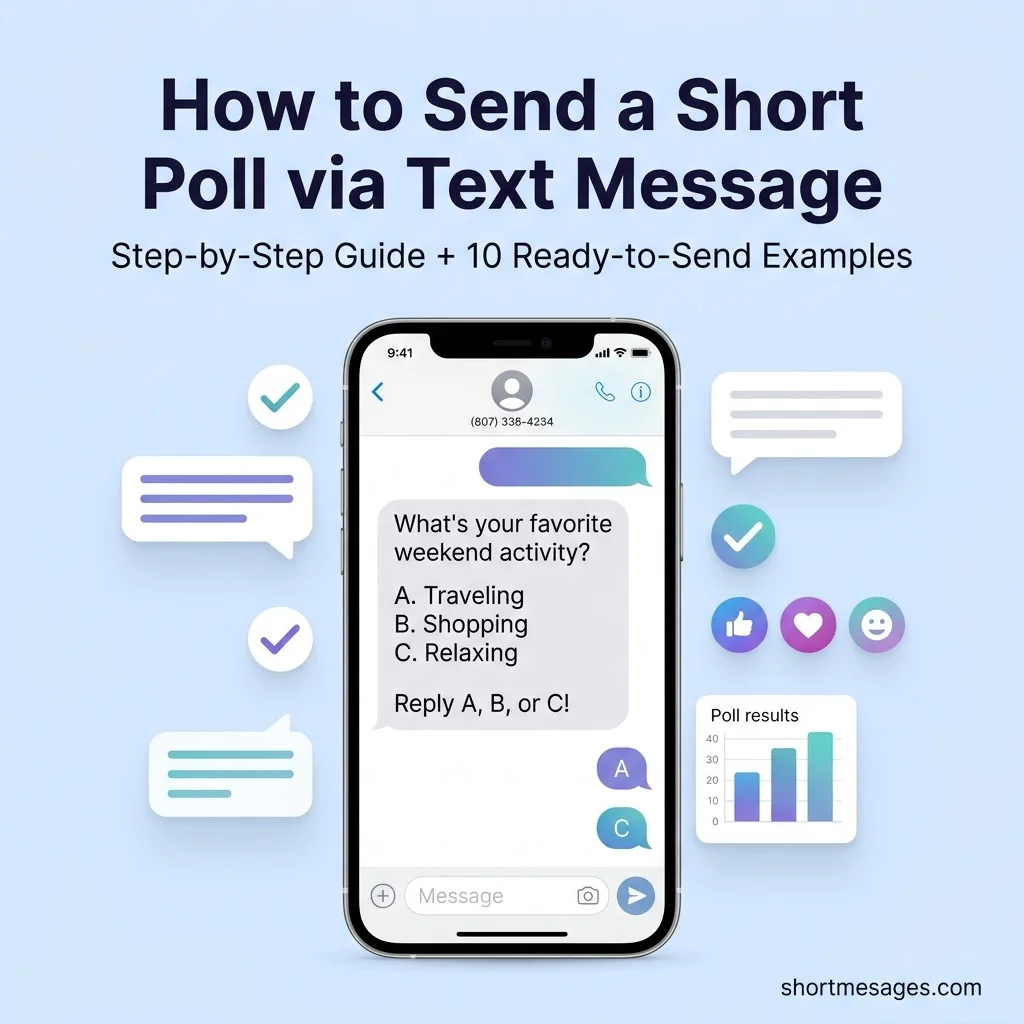
To send a short poll via text message, write one clear question and add two or three answer choices. Ask people to reply with a letter or a number, or to tap a link. Keep the whole text under 160 characters, then hit send.
This guide covers the best ways to send a poll via text, the exact steps, and 10 copy-ready messages. You will also learn the US texting rules, so your quick poll on text stays friendly and safe.
Table of Contents
Best Ways to Send a Poll via Text Message
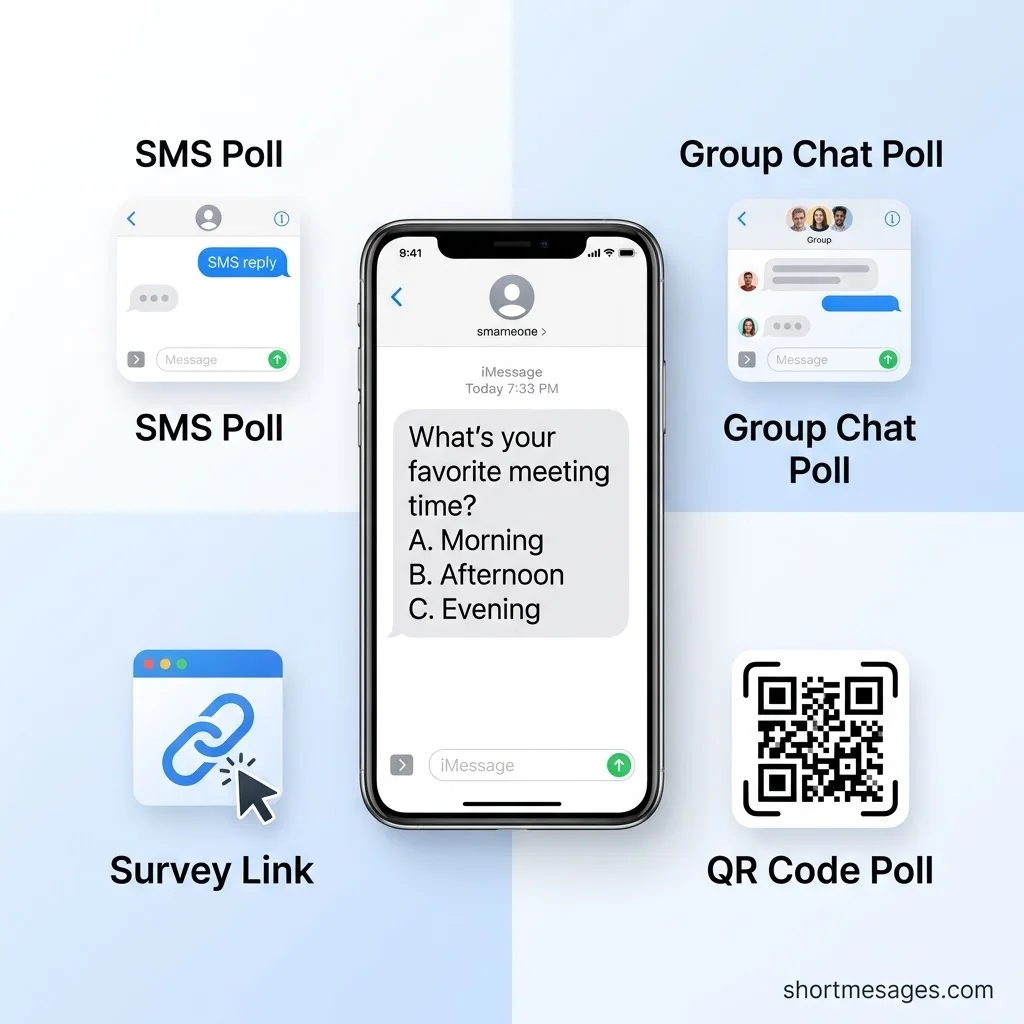
You have four solid options. Pick the one that fits your group and your goal.
Texting is a smart channel for polls. SMS open rates are often quoted near 98%, compared with about 20% for email. Roughly 90% of texts get opened within three minutes.
Treat those numbers as a benchmark, not a promise, because carriers don’t report true open rates.
Reply-based SMS poll. You ask, and people text back a letter or number. It works on every phone with no app and no sign-up. It’s the fastest text message poll, but you count the replies by hand.
A well-designed text poll becomes even more engaging when you add visual elements to make your question stand out. You can explore these creative text message symbols and icons to highlight poll options, make responses easier to understand, and encourage more people to participate.
QR code poll. Turn your poll link into a QR code for flyers, menus, or slides. People scan, vote, and go. Send the same link by text to reach people who weren’t there.
How to Send a Short Poll via Text Message: Step-by-Step
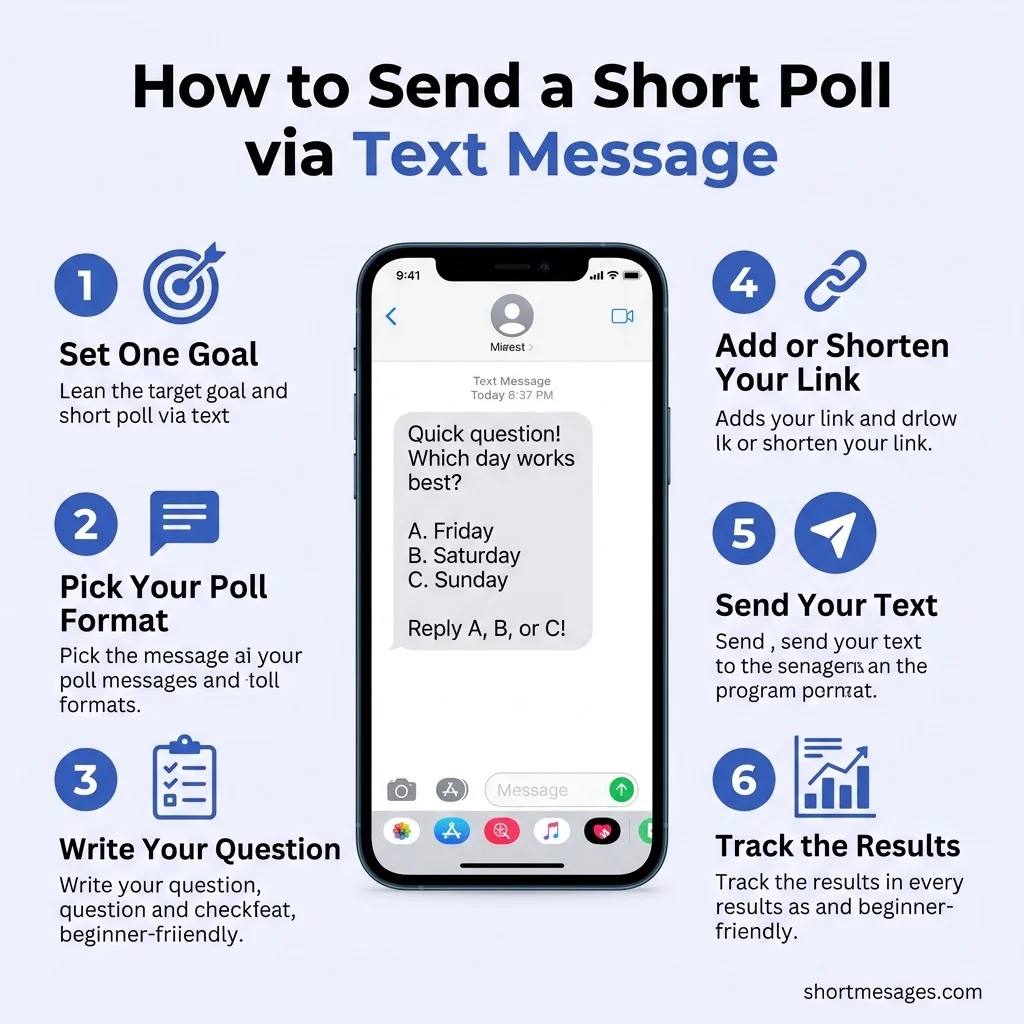
Follow these six moves. The whole job takes about two minutes.
Set one goal. Ask what decision the answers will change. If nothing changes, skip the question.
Pick your format. Use a reply-based or native poll for small circles. Use a survey link for customers, parents, or members.
Add or shorten your link. Create the poll, copy the link, and trim it so it looks clean in a text. Test it on your own phone first.
Send the text. Open with who you are. Add a small nudge, like “takes 10 seconds.” Skip emojis and curly quotes.
A single curly quote can switch a text to Unicode and cut the limit from 160 to 70 characters. The Twilio glossary explains why.
Track results and close the loop. Watch the votes, send one reminder, then share the winner. People see their vote counted.
10 Short Poll Text Message Examples You Can Copy
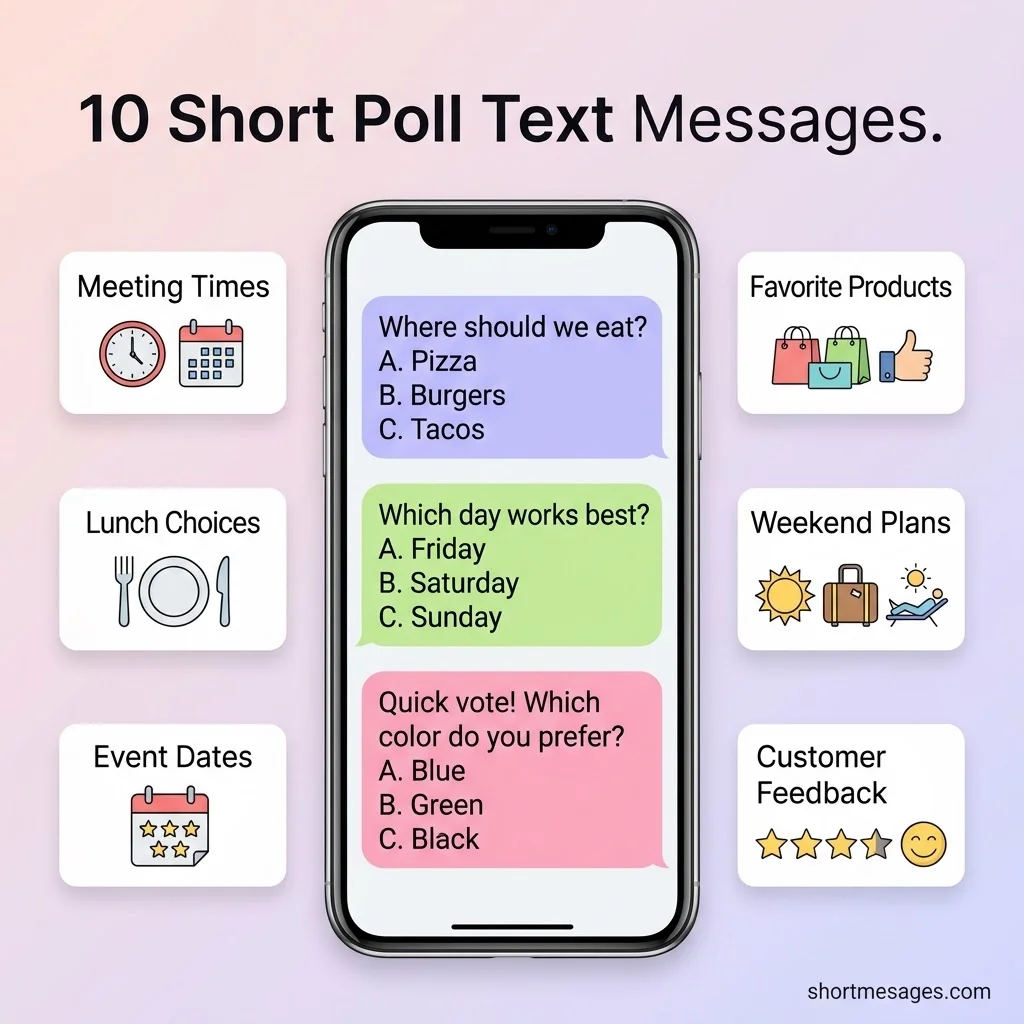
Swap the names and links, then send. Every message stays under 160 characters.
Hi, it’s Sarah from Bright Dental. Quick poll: which time works best? Reply 1 for morning or 2 for afternoon. Reply STOP to opt out.
Team lunch on Friday! Vote by reply: A for tacos, B for pizza, C for salads. The most votes wins. Thanks! Mike
Hi, it’s Maple Cafe. Which menu do you prefer: fall specials or the classics? Vote in 10 seconds: yourlink.co/vote Reply STOP to opt out.
Hi, it’s Jordan from Northside HOA. Move Saturday’s meeting to Sunday at 10 AM? Reply YES or NO by Thursday. Reply STOP to opt out.
Help us pick our new logo! Vote in 10 seconds: yourlink.co/vote Thanks from Brightside Studio. Reply STOP to opt out.
How was your visit to Bay Fitness today? Reply 1 to 5 (5 is great). Your answer helps us improve. Reply STOP to opt out.
Game night Saturday! Pick a time: reply A for 7 PM or B for 8 PM. The most votes wins.
Hi class, it’s Ms. Lopez. Which review session works best? Reply A for Monday 4 PM or B for Wednesday 5 PM.
Hi, it’s Dana from Fresh Co. Which flavor should we launch next: mango or berry? Vote here: yourlink.co/vote Reply STOP to opt out.
Reminder: our one-question poll closes tonight at 9 PM. It takes 10 seconds: yourlink.co/vote Reply STOP to opt out.
The link “yourlink.co/vote” is a placeholder, so replace it with your real poll link.
Text Poll Best Practices for US Senders
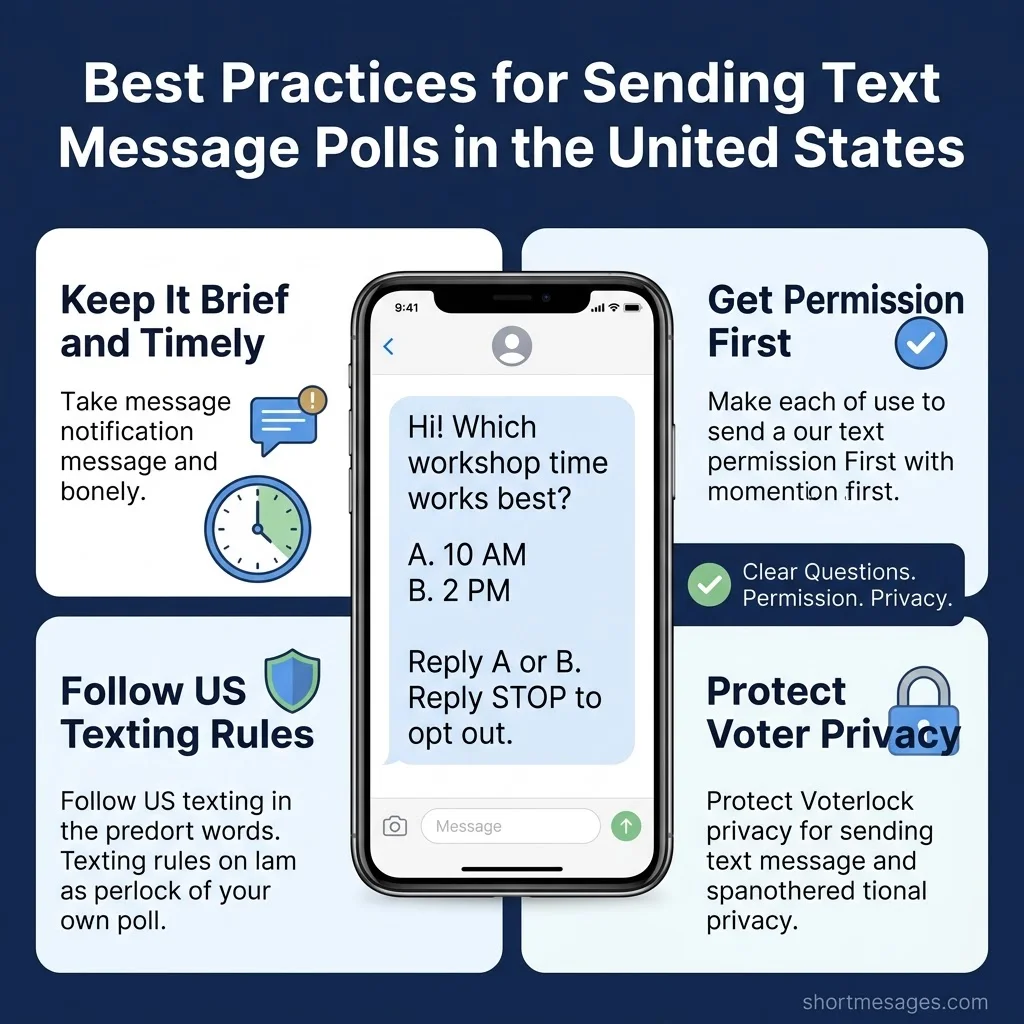
A good poll earns replies. A good sender also follows the rules.
Keep it brief and timely. Ask one question in plain words. Because most people read texts within minutes, send when they can answer right away. Skip late nights, and send one reminder at most.
Get permission first. US law, the TCPA, covers texts sent to groups and customers. Say who you are, and always offer an exit.
The FCC treats replies such as stop, quit, end, revoke, opt out, cancel, and unsubscribe as valid opt-outs, and one line like “Reply STOP to opt out” is enough to disclose.
Senders must also process opt-outs within 10 business days. The FCC adopted new TCPA rules on Sept. 30, 2026, so check the latest guidance. This is general information, not legal advice.
Protect privacy. Say how you will use the answers. Offer an anonymous link for touchy topics, and never collect sensitive details by text.
FAQs
How to do a quick poll on text?
Write one question with two or three choices. Ask people to reply with a letter or number, or to tap a poll link. Keep it under 160 characters and say who you are.
How to create a simple poll?
Type your question, add the answers, and share the link from a free poll maker. Many tools don’t require voters to sign up. Copy the link into your text, or use a built-in group chat poll.
What are some good poll ideas?
Try meeting times, lunch orders, event dates, game night slots, product flavors, logo picks, and one-to-five satisfaction ratings. “This or that” questions work well too.
How do I create a poll in WhatsApp?
Open the chat and tap the attach icon, which is a paperclip on Android and a plus sign on iPhone. Choose Poll, type your question, add your options, and send.
Conclusion
A short poll is just a small question with an easy way to answer. Pick your method, keep the text tight, and respect opt-outs. Then send one of the examples above and watch the votes come in.

Founder & Content Writer, ShortMesages.com
William Sanwal is the founder and lead writer behind ShortMesages.com, a website dedicated to helping people find the right words for every moment in life.